What a Load Balancer Actually Does (And Doesn't Do)
Load balancers aren't magic. Here's what they actually do, what they don't do, and why your system might still go down even with one.

The misunderstanding I hear constantly.
"Just put a load balancer in front of it."
Someone says this in every infrastructure meeting. Like a load balancer fixes everything. Like it's a magic box that makes your problems disappear.
It's not.
I've seen teams add a load balancer thinking their system would suddenly become bulletproof. Then everything still broke. Because they didn't understand what a load balancer actually does — and more importantly, what it doesn't do.
Let me clear this up.
What a Load Balancer Actually Does
At its core, a load balancer does exactly one thing: it distributes incoming requests across multiple servers.
That's it.
You have three servers running the same application. A load balancer sits in front. When a request comes in, the load balancer picks one of the three servers and forwards the request to it.
Real example:
- User types
https://yoursite.cominto their browser - DNS resolves to your load balancer's IP address
- Load balancer receives the request
- Load balancer looks at its list of healthy servers (Server A, Server B, Server C)
- Load balancer picks one (using some algorithm)
- Load balancer forwards the request to that server
- Server processes the request and sends the response back through the load balancer
- User gets their response
That's the whole job.
Spread out the traffic so no single server gets overwhelmed.
The Different Ways Load Balancers Choose Which Server
Not all load balancers pick the same way. Here are the common algorithms.
Round robin: Server A, then Server B, then Server C, then back to Server A. Like taking turns.
Least connections: Send the request to the server with the fewest active connections. Good when requests take different amounts of time.
IP hash: Use the user's IP address to pick a server. The same user always goes to the same server. Useful for sessions.
Random: Pick randomly. Simple. Works fine at scale.
Least response time: Pick the server that's responding the fastest. More intelligent, but more overhead.
Most load balancers let you choose. Round robin is fine for most cases.
What a Load Balancer Does Not Do
Here's where the misunderstandings live.
1. A load balancer does NOT make your application faster.
It spreads traffic across multiple servers. That means each server handles fewer requests. That can reduce queuing and wait times.
But if each request takes 200ms to process, a load balancer won't make it 100ms. The application still has to do the work.
A load balancer helps with throughput (more requests per second) but not latency (time per request).
2. A load balancer does NOT fix bad code.
If your application has a memory leak, adding a load balancer doesn't help. Each copy of your application still leaks memory. They'll just crash separately over time.
If your database queries are slow, a load balancer won't speed them up. Each server still makes the same slow queries.
Fix the code first. Then add the load balancer.
3. A load balancer does NOT handle state for you.
This is the biggest trap.
You have a server that stores user sessions in local memory. User logs in, session data stored on Server A. Load balancer sends the user's next request to Server B. Server B has no idea who this user is because the session is on Server A. User gets logged out or sees weird behavior.
A load balancer does NOT magically share state between servers.
You need something else for that. Shared cache (Redis). Database sessions. Sticky sessions (load balancer sends the same user to the same server). Or redesign your app to be stateless.
4. A load balancer does NOT prevent every downtime.
If all your servers go down (database failure, network outage, bad deploy), the load balancer has nothing to send traffic to. Your site is still down.
If your load balancer itself fails, everything is down.
You need redundancy for the load balancer too.
5. A load balancer does NOT handle SSL termination automatically.
It can. It's a common feature. But it's not automatic. You have to configure it. Put your certificate on the load balancer. Set it up correctly.
Or you can pass HTTPS traffic through to your servers. But then each server needs its own certificate.
Neither happens by magic.
What a Load Balancer Gives You
Despite what it doesn't do, a load balancer is still valuable. Here's what you actually get.
High availability (HA): If one server dies, the load balancer stops sending traffic to it. Your site stays up. Users might not even notice.
Horizontal scaling: Need to handle more traffic? Add more servers behind the load balancer. No downtime. No DNS changes. Just spin up new instances.
Maintenance without downtime: Need to update a server? Take it out of the load balancer's rotation. Update it. Add it back. Users never see a thing.
Health checks: Load balancers can periodically check if each server is alive. If a server stops responding, it gets removed automatically. If it comes back, it gets added back.
Traffic management: You can send certain requests to specific servers. API traffic to one pool. Web traffic to another. Canary deployments (send 5% of traffic to new version).
Real Example: A Simple E-commerce Site
Let me walk through a real setup.
Without load balancer:
- One server runs everything (web, API, database)
- Server gets 500 requests per second
- CPU hits 100%. Response time goes from 50ms to 5 seconds.
- User experience is terrible. Some requests time out.
- Server crashes. Site is down.
With load balancer:
- Three web servers behind a load balancer
- Each server gets about 167 requests per second
- Each server runs at comfortable CPU
- Response time stays consistent
- One web server has a memory leak and crashes
- Load balancer detects the health check failing
- Load balancer stops sending traffic to the crashed server
- Two servers handle the traffic (now 250 requests each — still fine)
- Site stays up. Users never notice.
But: If the database server crashes, all three web servers can't do anything. Load balancer can't fix that.
The Health Check Mistake I Keep Seeing
People configure health checks wrong all the time.
A health check is the load balancer asking each server "are you alive?"
Bad health check: Just check if the server responds on port 80. Server says "yep, I'm here." But maybe the app is broken. Database connection failed. Out of memory. Server still says "yep, port 80 works."
Good health check: Hit a real endpoint. /health that actually checks database connections, cache connections, critical services. Returns 200 if everything works. Returns 500 if anything is broken.
Example:
@app.route('/health')
def health_check():
    try:
        db.execute('SELECT 1')
        redis.ping()
        return 'OK', 200
    except Exception:
        return 'FAIL', 500
If the health check fails, the load balancer stops sending traffic. That server gets removed. When it's fixed, it comes back.
This actually works.
The "Sticky Sessions" Trap
Remember what I said about state? Here's where it gets tricky.
Sticky sessions (session affinity): The load balancer remembers which server a user went to first. All that user's future requests go to the same server.
This solves the session problem. User's session data stays on one server.
The problem: If that server crashes, the user loses their session. They get logged out. Their shopping cart disappears.
Better solution: Make your application stateless. Store sessions in a shared database or Redis. Then any server can handle any user. No stickiness needed.
Sticky sessions are a workaround, not a solution.
Load Balancer vs Reverse Proxy vs API Gateway
People mix these up. Here's the quick difference.
Load balancer: Distributes traffic across multiple servers. Works at layer 4 (IP address + port) or layer 7 (HTTP).
Reverse proxy: Sits in front of servers. Handles SSL, caching, compression, routing. Often includes load balancing. Nginx is a reverse proxy that also does load balancing.
API gateway: Reverse proxy plus authentication, rate limiting, request transformation, analytics. More features. More complexity.
For most small to medium setups, a reverse proxy with load balancing is fine. Nginx, HAProxy, Caddy. Don't overcomplicate.
When Do You Actually Need a Load Balancer?
You don't need one on day one.
No load balancer needed: Single server. Low traffic. Personal project. Internal tool.
Load balancer helpful: You need high availability (no downtime during server failures). You need to handle more traffic than one server can manage. You want to do maintenance without downtime.
Load balancer required: Multiple servers. Production traffic. Customer-facing site where downtime costs money.
Start simple. Add a load balancer when you actually need it. Not before.
The Basic Setup (What It Looks Like)
If you're setting this up for the first time, here's the minimal config.
Two web servers (same application):
- Server 1: 192.168.1.10
- Server 2: 192.168.1.11
Load balancer (HAProxy config example):
frontend http-in
    bind *:80
    default_backend webservers

backend webservers
    balance roundrobin
    server server1 192.168.1.10:80 check
    server server2 192.168.1.11:80 check
That's it. Traffic comes in on port 80. Load balancer sends it to server1 and server2 in turn. Health checks ensure only live servers receive traffic.
The Bottom Line
| A Load Balancer Does | A Load Balancer Does Not |
|---|---|
| Distribute traffic across servers | Make your code faster |
| Remove failed servers automatically | Fix slow database queries |
| Enable maintenance without downtime | Handle user sessions for you |
| Let you scale horizontally | Prevent all downtime |
| Balance using various algorithms | Fix state management |
Load balancers are powerful. But they're not magic.
They solve the problem of "too many requests for one server."
They do not solve the problem of "my application is broken."
Fix your application first. Then add the load balancer.
Written by Fredsazy — because load balancers are tools, not saviors.

Iria Fredrick Victor
Iria Fredrick Victor(aka Fredsazy) is a software developer, DevOps engineer, and entrepreneur. He writes about technology and business—drawing from his experience building systems, managing infrastructure, and shipping products. His work is guided by one question: "What actually works?" Instead of recycling news, Fredsazy tests tools, analyzes research, runs experiments, and shares the results—including the failures. His readers get actionable frameworks backed by real engineering experience, not theory.
Share this article:
Related posts
More from Devops
May 27, 2026
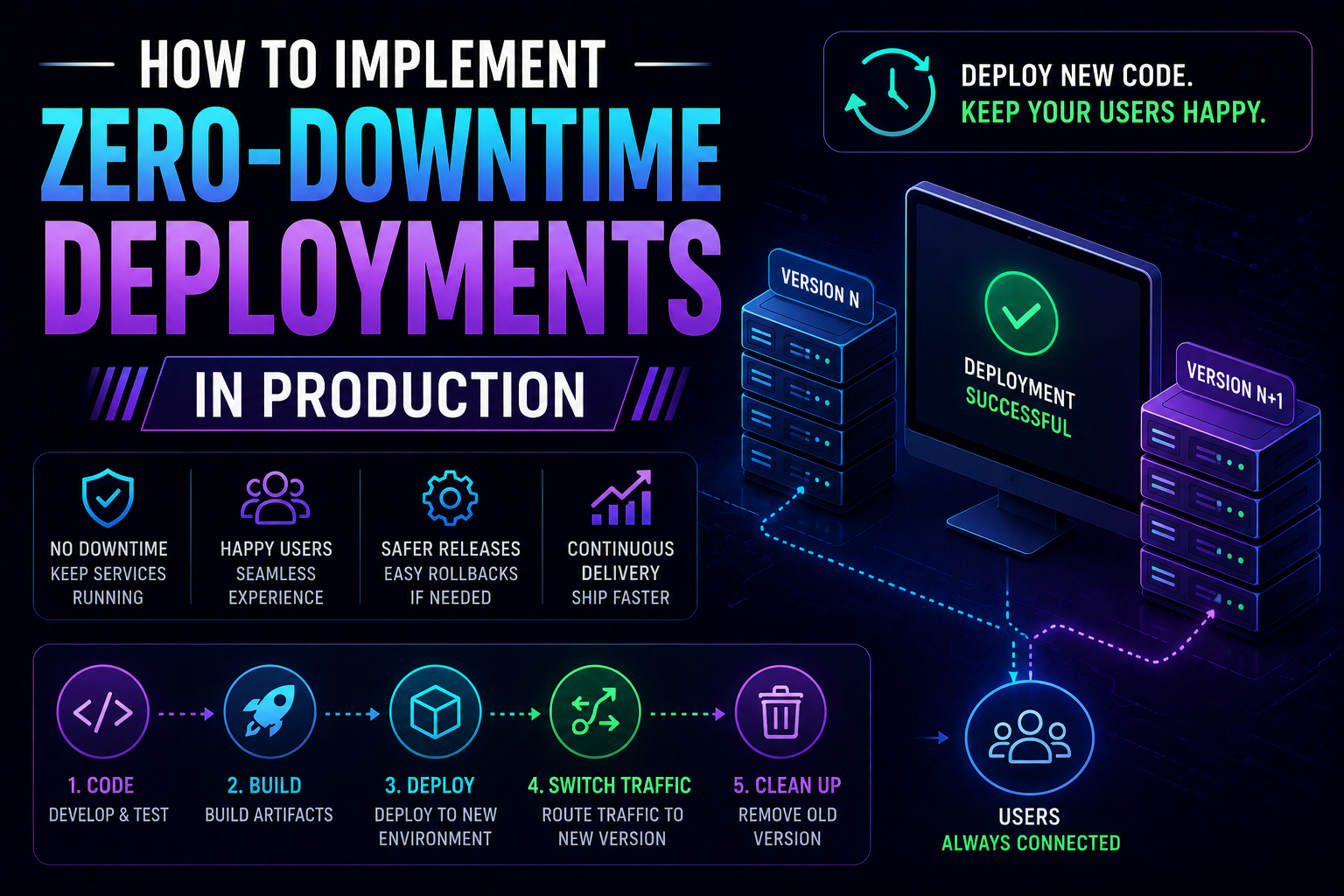
274Learn how to implement zero-downtime deployments in production — covering rolling updates, blue-green deployments, canary releases, feature flags, database migration patterns, graceful shutdown, and automated rollback with real Kubernetes YAML and code examples.
May 13, 2026
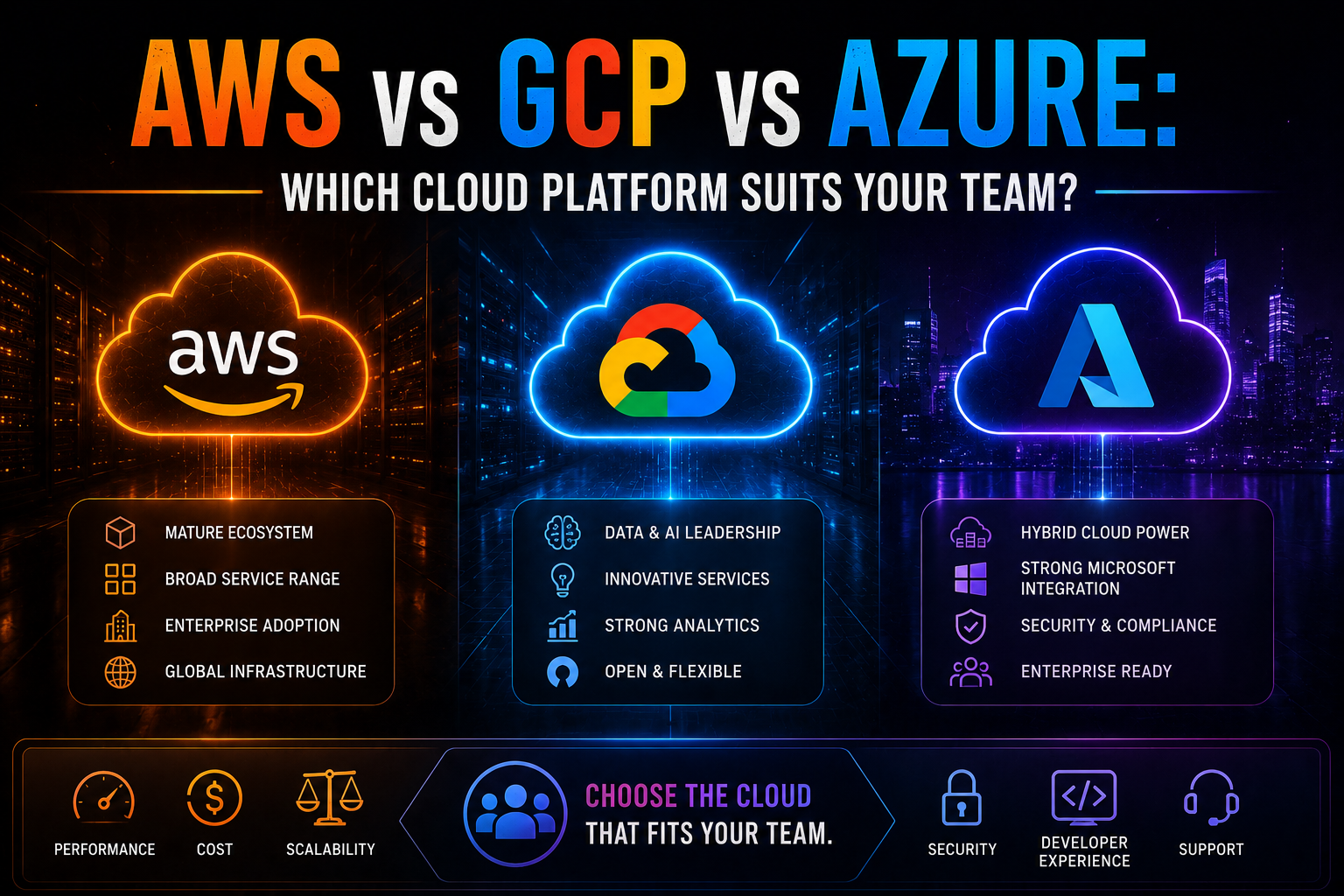
1052AWS vs Azure vs GCP in 2026 — an honest, vendor-neutral comparison covering market share, AI/ML tooling, pricing, Kubernetes, compliance, and which cloud platform suits your team's specific workload and ecosystem.
May 13, 2026
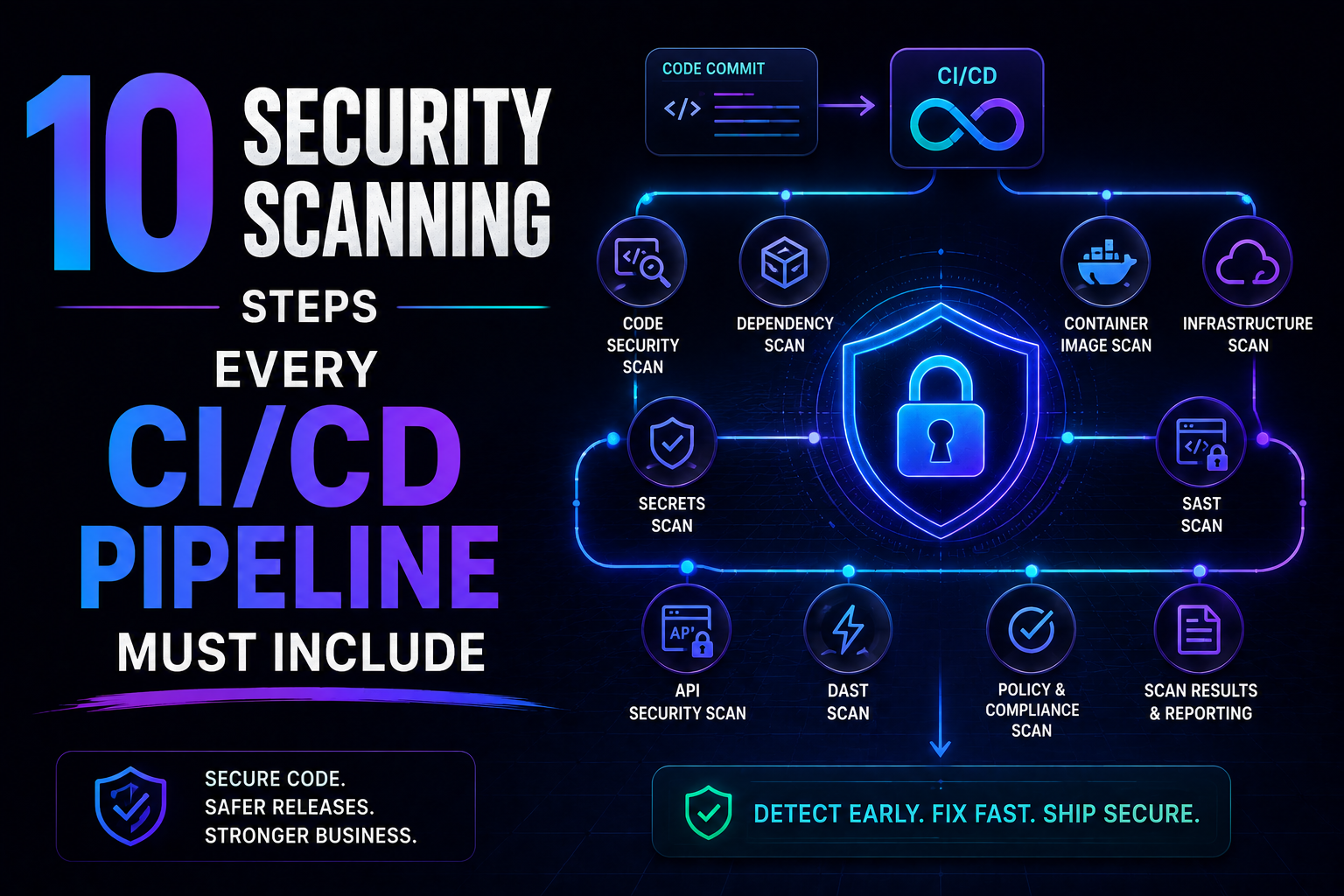
226SAST, SCA, container scanning, DAST, runtime verification – 10 security steps every CI/CD pipeline needs in 2026. Open source tools, real examples, and a rollout timeline. Stop shipping vulnerabilities.