The "Click Ops" Illusion: Why GUI-Based Infrastructure Is a Trap
Clicking around a dashboard feels faster. Fredsazy explains why GUI-based infrastructure is a trap — and why "Click Ops" always fails at scale.
It's so easy. Just click a button. Spin up a server. Configure a load balancer. No YAML. No commands. No "scary" terminal. But that convenience is an illusion. Here's why GUI-based infrastructure always fails — and what "Click Ops" is actually costing you.
Let me tell you about the dashboard that lied to me.
I was helping a friend debug why their staging environment was broken. Same code as production. Same config. But staging was down.
We spent two hours looking at code. Nothing.
Then someone asked: "Who set up the staging database?"
Silence.
A contractor had done it. Six months ago. Through a cloud dashboard. Clicked some buttons. Never wrote it down. Never committed it to code.
Nobody knew what settings they'd used. Nobody could reproduce it. Staging was a snowflake — unique, unrepeatable, and broken.
That's when I stopped trusting GUIs for infrastructure.
Click Ops — that's what I call it. The illusion that clicking buttons in a dashboard is faster, easier, or safer than writing code.
It's not. It's a trap.
What "Click Ops" Actually Means
Let me define this clearly.
Click Ops: Managing infrastructure through graphical user interfaces (GUIs). Clicking buttons. Selecting options. Typing into web forms.
DevOps (the real kind): Managing infrastructure as code. Config files. Version control. Automation. Repeatability.
At small scale, Click Ops feels better. A few servers. A handful of settings. "Why would I write YAML when I can just click?"
At scale, Click Ops becomes a nightmare. Here's why.
The Five Ways Click Ops Traps You
1. No audit trail
When you click a button, who clicked it? When? Why?
Maybe there's a log somewhere. Buried. Hard to search. Easy to forget.
When you change code in Git, every change is tracked. Author. Timestamp. Commit message. Diff.
Click Ops is invisible. Invisible infrastructure is unmanageable infrastructure.
2. No repeatability
You click through a setup wizard. It works. Great.
Now do it again for staging. Did you remember every option? Every checkbox? Every dropdown?
Probably not. Your environments drift. The classic: "It works on my machine" becomes "It works in production but not staging."
Code doesn't drift. Code is the same everywhere.
3. No rollback
You click a button. Something breaks.
What did you change? Can't remember. Can't undo. Now you're reverse-engineering your own clicks.
With GitOps, you git revert. Done. Infrastructure rolls back instantly.
4. No collaboration
You click some settings. Your teammate clicks different settings. Nobody knows what the other did.
With code, you review pull requests. You discuss changes. You approve or reject.
Click Ops has no pull requests. No approvals. No collaboration. Just chaos.
5. No documentation
"You should document your infrastructure," they say.
But with Click Ops, documentation is separate from the infrastructure itself. You write a wiki page. It gets outdated. Nobody updates it.
With code, the infrastructure is the documentation. The YAML file tells you exactly what's running.
The "It's Faster" Lie
Let me address the argument I hear most.
"Clicking is faster than writing YAML."
Sometimes, yes. The first time.
But infrastructure isn't a one-time task. You'll change it. Debug it. Recreate it. Share it.
Here's the real math:
| Task | Click Ops | GitOps (Code) |
|---|---|---|
| First setup | 5 minutes | 20 minutes |
| Copy to staging | 15 minutes (re-click everything) | 1 minute (git clone) |
| Debug after 3 months | 30-60 minutes (reverse-engineer clicks) | 5 minutes (read the code) |
| Roll back a bad change | 10-30 minutes (guess what changed) | 1 minute (git revert) |
| Audit who changed what | 15-30 minutes (hunt through logs) | 30 seconds (git log) |
| Onboard a new team member | 2 hours (explain the clicks) | 15 minutes (they read the code) |
Click Ops wins the first round. GitOps wins every round after that.
By the third change, you're behind. By the tenth, you're buried.
A Real Example I Lived
A team I was helping had a production database. Critical. Customer-facing.
It was set up through a cloud GUI. Nobody remembered the exact settings.
One day, it started running slow. A senior engineer spent six hours clicking through dashboards, trying to figure out what was configured. Read replicas? Backup retention? Parameter groups?
Six hours.
If that database had been defined in code — Terraform, CloudFormation, whatever — they could have read the file in five minutes.
Six hours vs. five minutes. That's the cost of Click Ops.
But What About Small Teams? (The Argument I Hear)
"I only have three servers. Do I really need infrastructure as code?"
Yes. Here's why.
Small teams are exactly who gets hurt worst by Click Ops. Why? Because you don't have dedicated ops people. Everyone wears multiple hats.
When you click through a dashboard to set something up, that knowledge lives in your head. What happens when you're sick? On vacation? Hit by a bus?
Code is knowledge that doesn't get sick.
Also: small teams become big teams. Or you add one more server. Or a customer asks for a staging environment. The time to switch from Click Ops to GitOps is before you need it.
Not during the outage.
The Tools That Enable GitOps (In Case You're Wondering)
I'm not going to list twenty tools. Here are the ones that actually work:
Terraform – For cloud resources (servers, databases, networking)
Kubernetes + YAML – For container orchestration
GitHub Actions / GitLab CI – For automation
AWS CDK / Pulumi – If you prefer real programming languages over HCL
Pick one. Learn it. Stop clicking.
How to Escape the Click Ops Trap (Even If You're In It)
If you're already living in Click Ops hell, here's how to get out.
Step 1 – Inventory your snowflakes
List every resource that was created by clicking. Servers. Databases. Load balancers. DNS records.
Step 2 – Document what you can find
Before you change anything, write down what you can see. Screenshots. Settings. Configurations.
Step 3 – Rebuild one thing in code
Pick the least critical resource. Rewrite it in Terraform (or your tool of choice). Test it. Deploy it alongside the original.
Step 4 – Cut over
Point traffic to the code-managed version. Delete the clicked version.
Step 5 – Repeat
One resource at a time. Don't try to do everything at once. You'll break things.
Timeline: For a small team, 2-4 weeks. For a larger setup, 2-3 months. Worth every minute.
The One Exception (Because Life Isn't Absolute)
Let me be fair. Click Ops isn't always wrong.
When Click Ops is acceptable:
- One-time, throwaway testing (spin up, test, delete)
- Personal projects with zero users
- Learning a new service (click to understand the options, then translate to code)
When Click Ops is a trap:
- Anything that will run for more than a week
- Anything with more than one environment (dev/staging/prod)
- Anything other people depend on
- Anything you might need to debug later
If it's permanent or shared, it belongs in code.
The Brand Takeaway
Here's what Fredsazy wants DevOps leads to remember:
"They don't click. They code. Because they've been burned before."
Click Ops feels fast. It's an illusion. The real cost comes later — in debugging time, onboarding time, and disaster recovery time.
GitOps takes longer upfront. It saves you hours or days later.
Choose the trap you want: a little pain now, or a lot of pain later.
I know which one I pick.
One Last Thing
Go look at your infrastructure right now.
How much of it exists only in dashboards? How much could you recreate from memory if something broke?
If the answer makes you uncomfortable, you're in the Click Ops trap.
Pick one resource this week. Write it in code. Delete the clicked version.
Start escaping.
Written by Fredsazy — because clicking is for mice, not for infrastructure.

Iria Fredrick Victor
Iria Fredrick Victor(aka Fredsazy) is a software developer, DevOps engineer, and entrepreneur. He writes about technology and business—drawing from his experience building systems, managing infrastructure, and shipping products. His work is guided by one question: "What actually works?" Instead of recycling news, Fredsazy tests tools, analyzes research, runs experiments, and shares the results—including the failures. His readers get actionable frameworks backed by real engineering experience, not theory.
Share this article:
Related posts
More from Devops
May 27, 2026
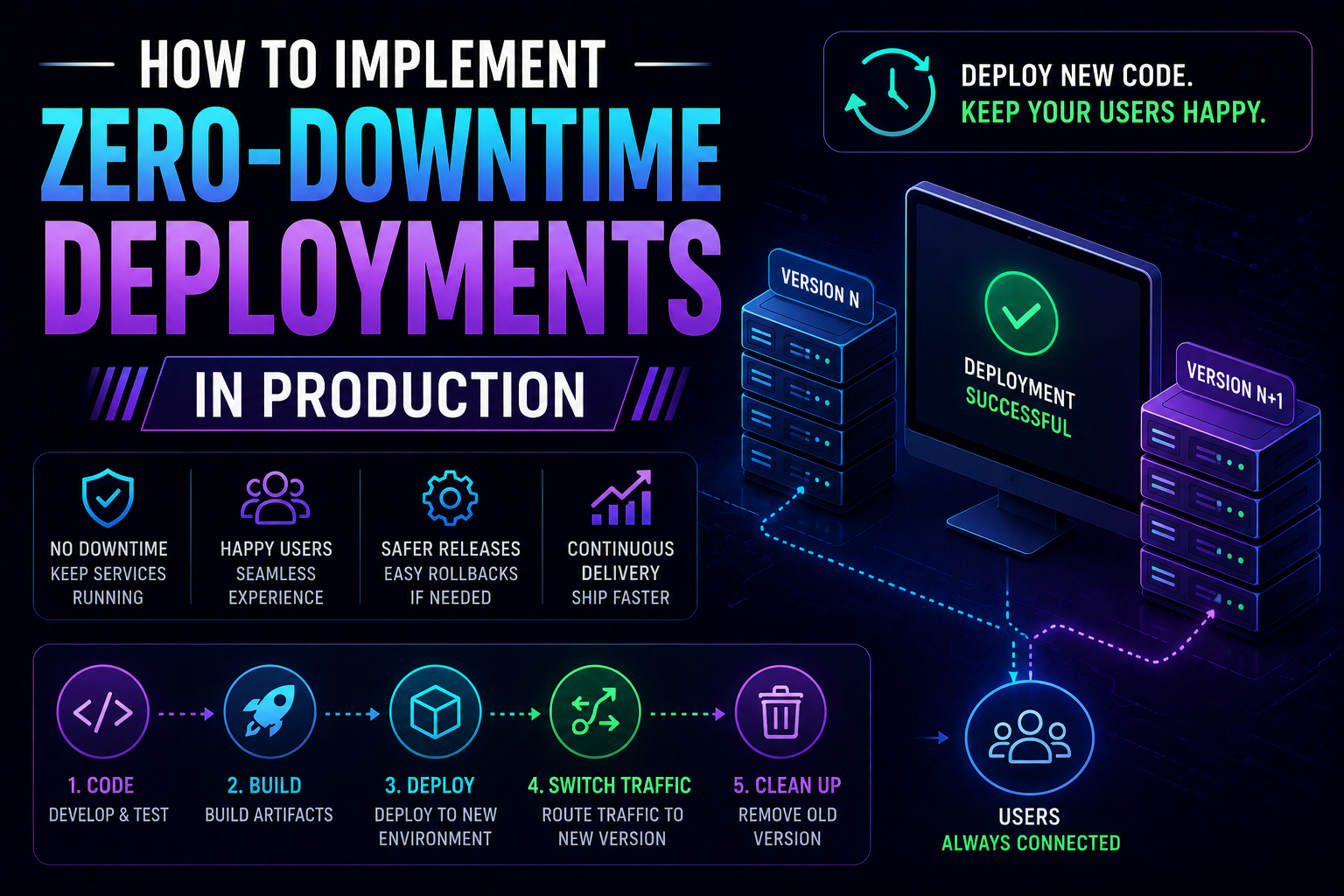
274Learn how to implement zero-downtime deployments in production — covering rolling updates, blue-green deployments, canary releases, feature flags, database migration patterns, graceful shutdown, and automated rollback with real Kubernetes YAML and code examples.
May 13, 2026
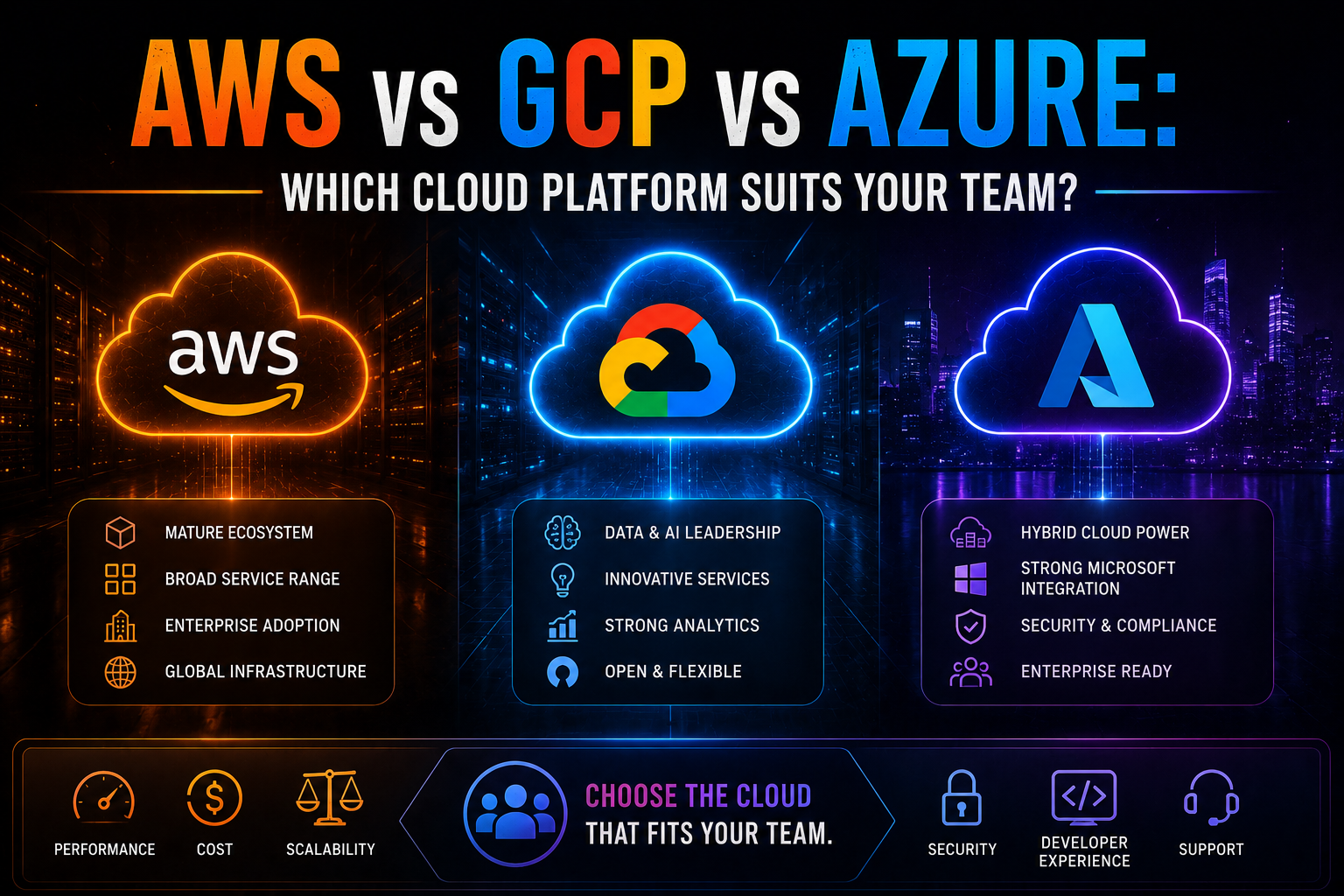
1052AWS vs Azure vs GCP in 2026 — an honest, vendor-neutral comparison covering market share, AI/ML tooling, pricing, Kubernetes, compliance, and which cloud platform suits your team's specific workload and ecosystem.
May 13, 2026
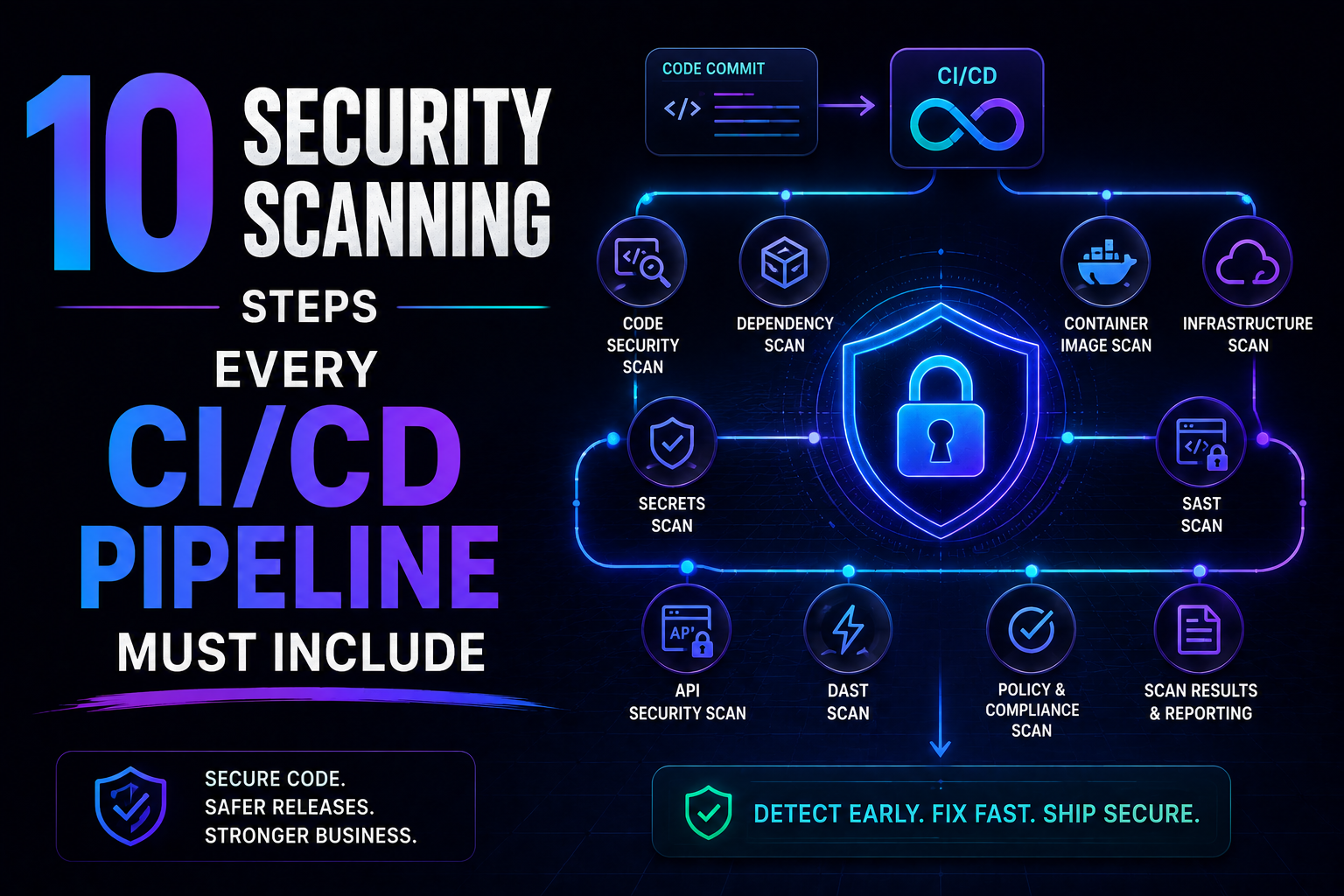
226SAST, SCA, container scanning, DAST, runtime verification – 10 security steps every CI/CD pipeline needs in 2026. Open source tools, real examples, and a rollout timeline. Stop shipping vulnerabilities.