Things You Should Do to Get Your Site Indexed Quickly
Submitted your site to Google and nothing happened? Here are the actual things that help Google find and index your pages faster — no magic, just best practices.

You published your site. Now you wait.
Days pass. You search for your site on Google. Nothing.
You type site:yoursite.com into the search bar. Maybe one page shows up. Maybe none.
You start wondering: did you do something wrong? Is Google ignoring you?
Probably not. Google is just slow. Especially for new sites.
But there are things you can do to speed it up. Not magic. Not shortcuts. Just good practices that help Google find your content faster.
Let me walk you through them.
First, Understand What "Indexed" Means
Before you try to speed things up, know what you're trying to do.
Crawling: Googlebot visits your site and reads your pages. It follows links from page to page.
Indexing: Google stores your pages in its database. Now your pages can show up in search results.
Ranking: Google decides where your pages appear in search results.
You want indexing first. Without indexing, ranking is impossible.
Your job is to make it easy for Google to crawl your site. If Google can crawl it, indexing will follow.
The Single Most Important Thing
Get links from sites that are already indexed.
Google finds new pages by following links from pages it already knows about.
If your site has zero backlinks, Google has to find you some other way (sitemap submission, manual request). That takes longer.
If one already-indexed site links to you, Google follows that link and discovers your site.
If ten sites link to you, Google finds you faster.
What to do:
- Share your site on social media (Twitter, LinkedIn, Reddit)
- Get listed in relevant directories
- Write guest posts on existing blogs
- Ask friends or colleagues to link to you from their sites
- Comment on relevant blogs with your URL (sparingly, genuinely)
Quality matters. One link from a reputable site is better than 100 links from spam.
Submit Your Sitemap to Google Search Console
A sitemap is a file that lists every page on your site. It tells Google: "Here are all my pages. Please crawl them."
How to create a sitemap:
Most site builders do this automatically.
- WordPress: Yoast SEO or RankMath plugins generate a sitemap at
yoursite.com/sitemap_index.xml - Vercel/Next.js: Use
next-sitemappackage - Static sites: Many generators create
sitemap.xmlautomatically - Manual: You can write one by hand (but don't, use a generator)
How to submit it:
- Go to Google Search Console
- Add your site (if you haven't already)
- Click "Sitemaps" in the left menu
- Enter
sitemap.xml(or whatever your sitemap file is named) - Click "Submit"
Google will crawl your sitemap and discover all your pages.
Request Indexing Manually
For important pages, you can ask Google to crawl them right now.
In Google Search Console:
- Paste the URL into the search bar at the top
- Click "Request Indexing"
Google will queue your page for crawling. It usually happens within hours, not days.
Limitations: You can only request a few pages per day. Use this for your most important pages (homepage, key product pages, main blog posts). Not for every single page.
Make Sure Google Can Actually Crawl Your Site
Sometimes the problem is you're blocking Google without knowing it.
Check your robots.txt file:
Go to yoursite.com/robots.txt
You should see something like:
User-agent: *
Allow: /
Or nothing at all (which is fine).
Bad (blocks Google):
User-agent: *
Disallow: /
If you see Disallow: /, Google cannot crawl any page on your site. Fix this immediately.
Check for "noindex" tags:
View your page source. Search for noindex.
If you see <meta name="robots" content="noindex">, that page will not be indexed.
Remove that tag if you want the page indexed.
Check your CMS settings:
WordPress has a "Discourage search engines from indexing this site" checkbox in Settings → Reading. Make sure it's unchecked.
Improve Your Internal Linking
Google crawls your site by following links from page to page.
If a page has no internal links pointing to it, Google might never find it.
What to do:
- Every page should be linked from at least one other page
- Your homepage should link to your most important pages
- Use descriptive anchor text (not "click here")
- Create a "sitemap" page that lists all your content (helps both users and Google)
Example:
Your blog post about "how to fix a leaking faucet" should link to your "tools for plumbing" page. That page links to your "contact a plumber" page.
Google follows these links. It finds everything.
Avoid Duplicate Content
If Google sees the same content on multiple URLs, it gets confused. It might index only one version or neither.
Common duplicate content issues:
http://vshttps://wwwvs non-www- Trailing slash vs no trailing slash (
/pagevs/page/) - Session IDs in URLs
- Print versions of pages
How to fix:
- Pick one canonical version of each page
- Use 301 redirects from the other versions
- Use
rel="canonical"tags to tell Google which version is the real one
Example: If your canonical tags point to https://example.com/page, make sure https://www.example.com/page redirects there with a 301.
Create Content That Deserves Indexing
Google is not required to index your site. It indexes pages it thinks are valuable.
Thin, low-quality, or duplicate content gets crawled slowly (or not at all).
What helps:
- Original content (not copied from elsewhere)
- Substantial length (not 50 words)
- Unique value (solves a problem, answers a question)
- Regular updates (shows your site is active)
What hurts:
- AI-generated spam with no human editing
- Pages with very little text
- Content that's identical to thousands of other pages
- Outdated information
Google is not your enemy. It wants to index good content. Make good content.
Use Social Media as a Signal
Google does not use social media shares as a direct ranking factor. But social media helps with indexing.
How? When you share your site on Twitter, LinkedIn, or Reddit, people might visit your site. Those visits generate traffic. Traffic tells Google "this site is active."
Also, social media platforms are indexed by Google. Your tweet or post might get indexed, and Google follows the link from that post to your site.
What to do:
- Share every new page on your social channels
- Post in relevant communities (Reddit, Facebook groups, LinkedIn groups)
- Don't spam. Be genuinely helpful.
Be Patient (But Not Too Patient)
Google indexing takes time.
- New site: Weeks to months for full indexing
- New page on established site: Days to weeks
- After requesting indexing: Hours to days
If nothing has happened after 2-4 weeks, something might be wrong. Re-check your robots.txt, your noindex tags, and your Search Console for errors.
But if you've done everything right, the answer is usually: wait.
Checklist: Quick Indexing
| Task | Done? |
|---|---|
| Get at least one backlink from an indexed site | ☐ |
| Create and submit a sitemap to Google Search Console | ☐ |
| Request indexing for your most important pages | ☐ |
Check robots.txt (should NOT block Google) |
☐ |
Check for noindex tags (should NOT be present) |
☐ |
| Fix duplicate content issues | ☐ |
| Ensure every page has at least one internal link | ☐ |
| Create original, valuable content | ☐ |
| Share new pages on social media | ☐ |
| Wait 2-4 weeks before worrying | ☐ |
One Last Thing
The fastest way to get indexed is to have something worth indexing.
Google crawls popular sites more often. Sites with new content get crawled more often. Sites with backlinks get discovered faster.
Focus on making your site good. The indexing will follow.
And remember: indexing is not ranking. Being in Google's database doesn't mean anyone will find you. That's a separate challenge.
First, get indexed. Then work on ranking.
Written by Fredsazy — because waiting is the hardest part, but there's still stuff you can do.

Iria Fredrick Victor
Iria Fredrick Victor(aka Fredsazy) is a software developer, DevOps engineer, and entrepreneur. He writes about technology and business—drawing from his experience building systems, managing infrastructure, and shipping products. His work is guided by one question: "What actually works?" Instead of recycling news, Fredsazy tests tools, analyzes research, runs experiments, and shares the results—including the failures. His readers get actionable frameworks backed by real engineering experience, not theory.
Share this article:
Related posts
More from Software
May 27, 2026
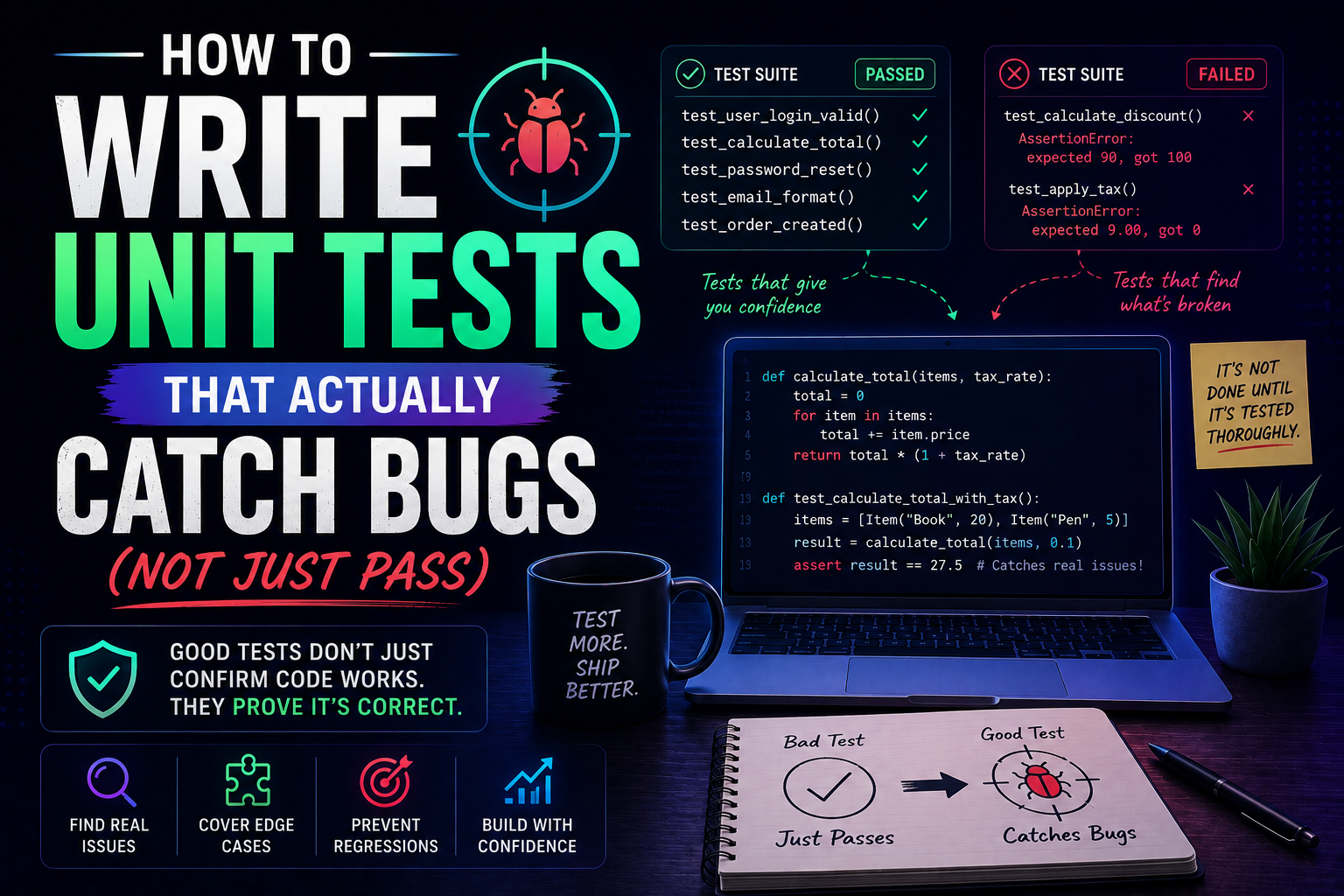
224Learn how to write unit tests that actually catch bugs — not just pass. Covers the AAA pattern, behaviour vs implementation testing, edge cases, test doubles, mutation testing, and a pre-commit checklist for writing tests that protect production.
May 22, 2026
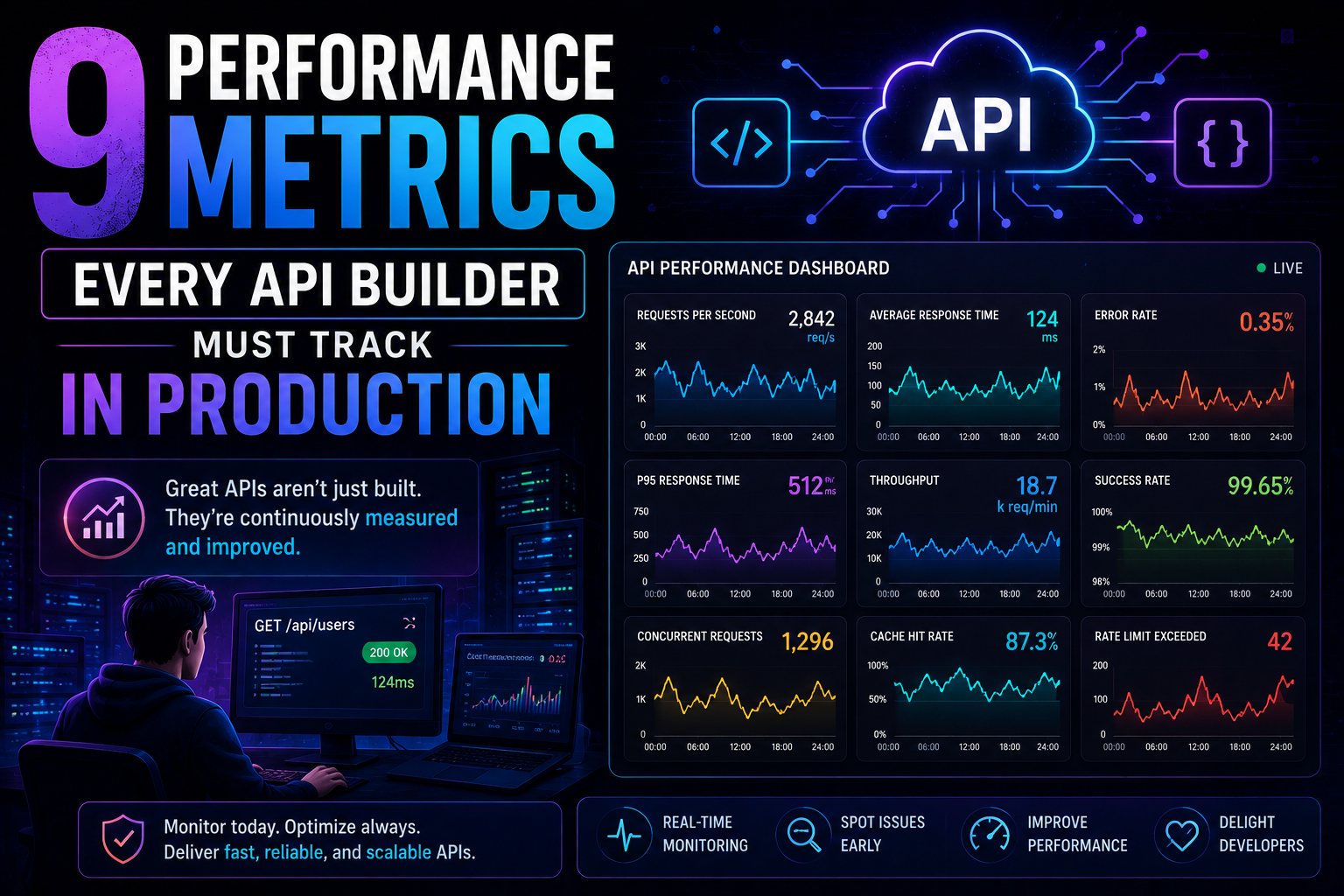
266Latency percentiles. Dependency health. Connection pool saturation. Idempotency success. 9 production metrics every API builder needs – with benchmarks, alert thresholds, and real-world failures prevented.
May 13, 2026
313PostgreSQL vs MongoDB in 2026 — an honest comparison covering benchmarks, data modelling, ACID transactions, scaling, pgvector vs Atlas Vector Search, pricing, and a decision framework for your project.