How I Fixed My Duplicate Content Issue on Google Without Breaking My Rankings
Fredsazy had a duplicate content warning from Google. Here's exactly how he fixed it with a 301 redirect — no rankings lost, no stress.

Google Search Console showed me a warning: "Alternate page with proper canonical tag." I panicked. Then I fixed it. No lost rankings. No traffic drop. Just a clean 301 redirect and a little patience. Here's exactly what I did — and what you should do if you see the same warning.
Let me start with the moment I panicked.
I opened Google Search Console one morning. There it was.
"Alternate page with proper canonical tag."
A warning. In yellow. On my brand new site.
My heart sank. Did I break something? Would Google stop indexing me? Would my rankings disappear?
I spent the next few hours digging into what was wrong. Then I fixed it. And here's the part that surprised me: I didn't lose any rankings.
My pages stayed indexed. My traffic didn't drop. The warning eventually went away on its own.
Let me walk you through exactly what happened and how I fixed it. Because if you see this warning, you don't need to panic. You just need to understand what Google is actually saying.
What the Warning Actually Means (Not the Scary Version)
That "Alternate page with proper canonical tag" warning sounds terrible. Like you did something wrong.
Here's the truth: it's informational, not punitive.
It means Google found two versions of the same page. In my case:
fredsazy.com(no www)www.fredsazy.com(with www)
Both were serving content. Both had canonical tags pointing to fredsazy.com. Google was just letting me know: "Hey, we see two versions. We'll figure it out, but you might want to clean this up."
That's it. No penalty. No ranking drop. Just a friendly heads-up.
But I wanted it gone. So I fixed it.
What Was Wrong With My Setup
Here was my original configuration on Vercel (where I host my site):
| Domain | Setting |
|---|---|
fredsazy.com |
Redirect (307) to www.fredsazy.com |
www.fredsazy.com |
Serves content (Production) |
The problem: A 307 Temporary Redirect tells Google "this is temporary, keep checking both versions." So Google kept both versions indexed. That created the duplicate content warning.
The other problem: My canonical tags in my code already pointed to fredsazy.com (no www). But my redirect was sending traffic the opposite way — from fredsazy.com to www.fredsazy.com. The redirect and the canonical were fighting each other.
Google was confused. Understandably.
The Fix Step-by-Step
Here's exactly what I did. You can copy these steps for your own site.
Step 1: Decide on a primary domain
I chose fredsazy.com (no www). Why? It's shorter. It's cleaner. And my canonical tags already pointed there.
You choose: Pick whichever you prefer — with www or without. Just pick one.
Step 2: Change the non-primary domain to serve content (or redirect)
I went into my Vercel dashboard:
- Navigated to Project → Settings → Domains
- Looked at
fredsazy.com(my chosen primary) - Changed it from "Redirect to
www.fredsazy.com" to "Connect to an environment" → Production
Now fredsazy.com was serving content directly.
Step 3: Set up a permanent redirect from the other domain
Then I fixed www.fredsazy.com:
- Clicked the three dots next to
www.fredsazy.com - Selected Redirect to another domain
- Entered destination:
https://fredsazy.com - Crucially: Changed redirect type from
307 Temporaryto301 Permanent - Saved
Step 4: Verify the redirect worked
I ran this command in my terminal:
curl -I https://www.fredsazy.com
The response came back:
HTTP/1.1 301 Moved Permanently
Location: https://fredsazy.com/
Perfect. That confirmed the 301 redirect was live and working.
Why 301 Permanent (Not 307 Temporary)
This is the most important part of the whole fix.
| Redirect | Meaning | SEO Impact |
|---|---|---|
301 Permanent |
"This has moved forever" | ✅ Passes full link equity, consolidates indexing |
307 Temporary |
"This is temporary, keep checking both" | ❌ Does NOT consolidate indexing, creates duplicates |
My old 307 was telling Google "keep checking both versions." That's why I had the duplicate content warning.
Switching to 301 told Google "this version is gone forever. Use the other one."
That single change fixed everything.
What My Final Configuration Looks Like
Now, everything is aligned:
| Domain | Setting | Status |
|---|---|---|
fredsazy.com |
Production (serves content) | ✅ Correct |
www.fredsazy.com |
301 Permanent → fredsazy.com |
✅ Correct |
| Canonical tags in code | fredsazy.com |
✅ Correct |
Redirect points the same direction as my canonicals. Google has one clear answer.
What Happened After the Fix
Immediately after making the change:
-
Google Search Console still showed the warning. I panicked again. (Don't — this is normal.)
-
My pages stayed indexed. No drop. No removal.
-
My rankings didn't change. No penalty. No mysterious disappearances.
Google takes time to process redirects. Sometimes 1-2 weeks. Sometimes 3-4 weeks. During that time, the warning may still appear.
That's fine. It's Google verifying the change.
The Timeline You Can Expect
| Stage | Time |
|---|---|
| You make the 301 redirect change | Day 0 |
| Warning still appears in GSC | Days 1-14 |
| Google re-crawls and processes | 1-3 weeks |
| Warning disappears | 2-4 weeks |
| Only primary domain appears in search | 3-5 weeks |
Key takeaway: The warning disappearing is the last step. Don't expect it to vanish overnight.
What I Learned (So You Don't Worry)
The "alternate page" warning is not a penalty. It's Google being helpful. It doesn't hurt your rankings. It doesn't stop indexing.
301 is the magic number. Not 302. Not 307. 301 Permanent. That's what consolidates your SEO value.
Your canonicals and your redirects must agree. If your canonical says fredsazy.com but your redirect sends fredsazy.com to www.fredsazy.com, you're sending mixed signals. Pick one direction and stick to it.
Patience is part of the fix. You can do everything right and still wait weeks for the warning to clear. That's not a problem. That's Google.
The Brand Takeaway
Here's what Fredsazy wants people to remember from this guide:
"They fixed it without breaking anything — and explained exactly how."
Technical SEO warnings feel scary. Most guides make them worse by overcomplicating things.
The truth is simple: pick a primary domain, set up a 301 redirect from the other version, make sure your canonicals agree, and wait. That's it.
No rankings lost. No stress needed.
One Last Thing
If you see that yellow warning in Google Search Console right now, here's my advice:
First, check your redirect. Run curl -I https://www.yoursite.com and look for 301 and the correct Location.
Second, check your canonicals. View your page source. Search for rel="canonical". Make sure it points to your chosen primary domain.
Third, if both are correct, do nothing. Wait 2-4 weeks. The warning will clear on its own.
That's what I did. It worked. It will work for you too.
Written by Fredsazy — because 301 > 307, and patience is part of SEO.

Iria Fredrick Victor
Iria Fredrick Victor(aka Fredsazy) is a software developer, DevOps engineer, and entrepreneur. He writes about technology and business—drawing from his experience building systems, managing infrastructure, and shipping products. His work is guided by one question: "What actually works?" Instead of recycling news, Fredsazy tests tools, analyzes research, runs experiments, and shares the results—including the failures. His readers get actionable frameworks backed by real engineering experience, not theory.
Share this article:
Related posts
More from Software
May 27, 2026
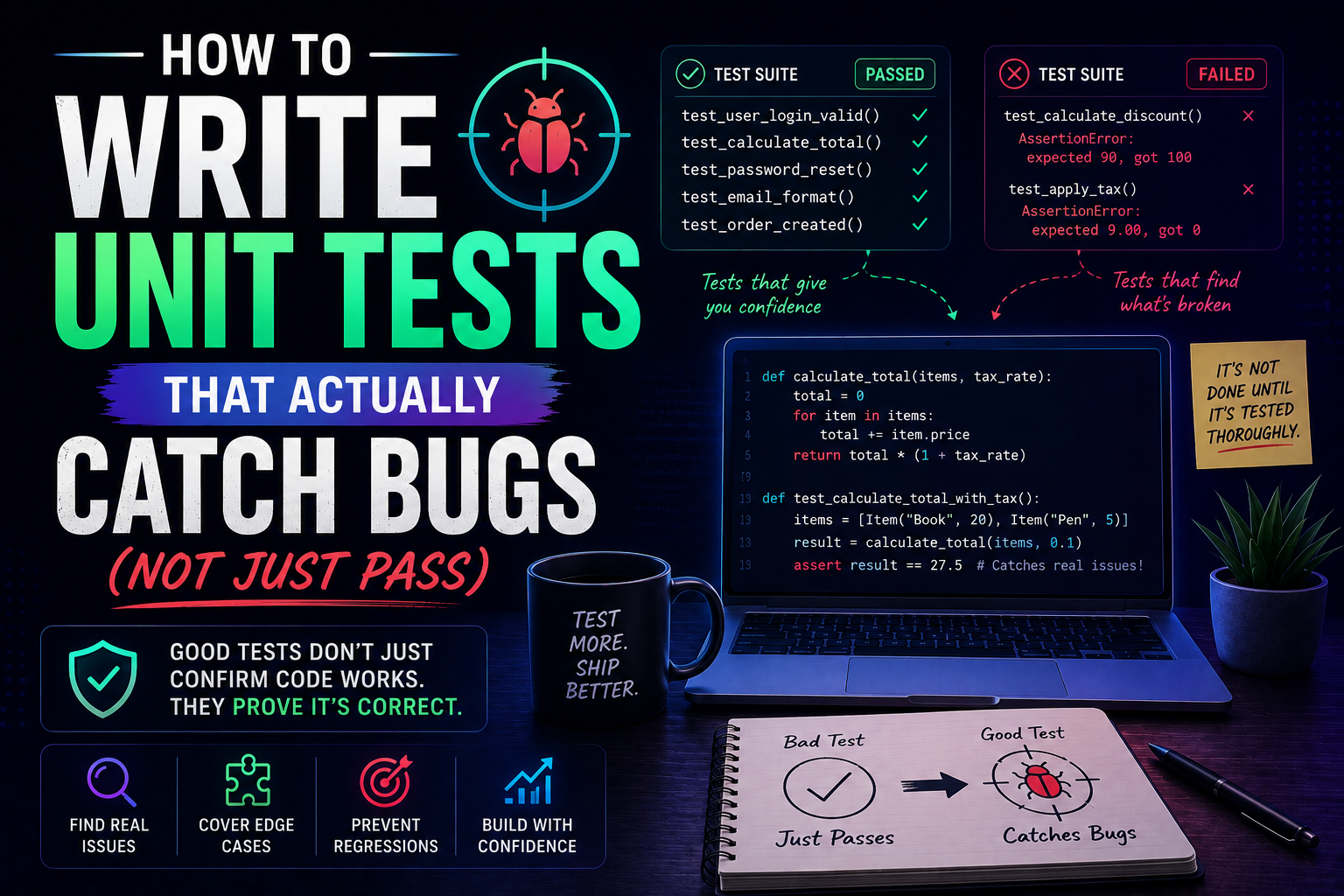
224Learn how to write unit tests that actually catch bugs — not just pass. Covers the AAA pattern, behaviour vs implementation testing, edge cases, test doubles, mutation testing, and a pre-commit checklist for writing tests that protect production.
May 22, 2026
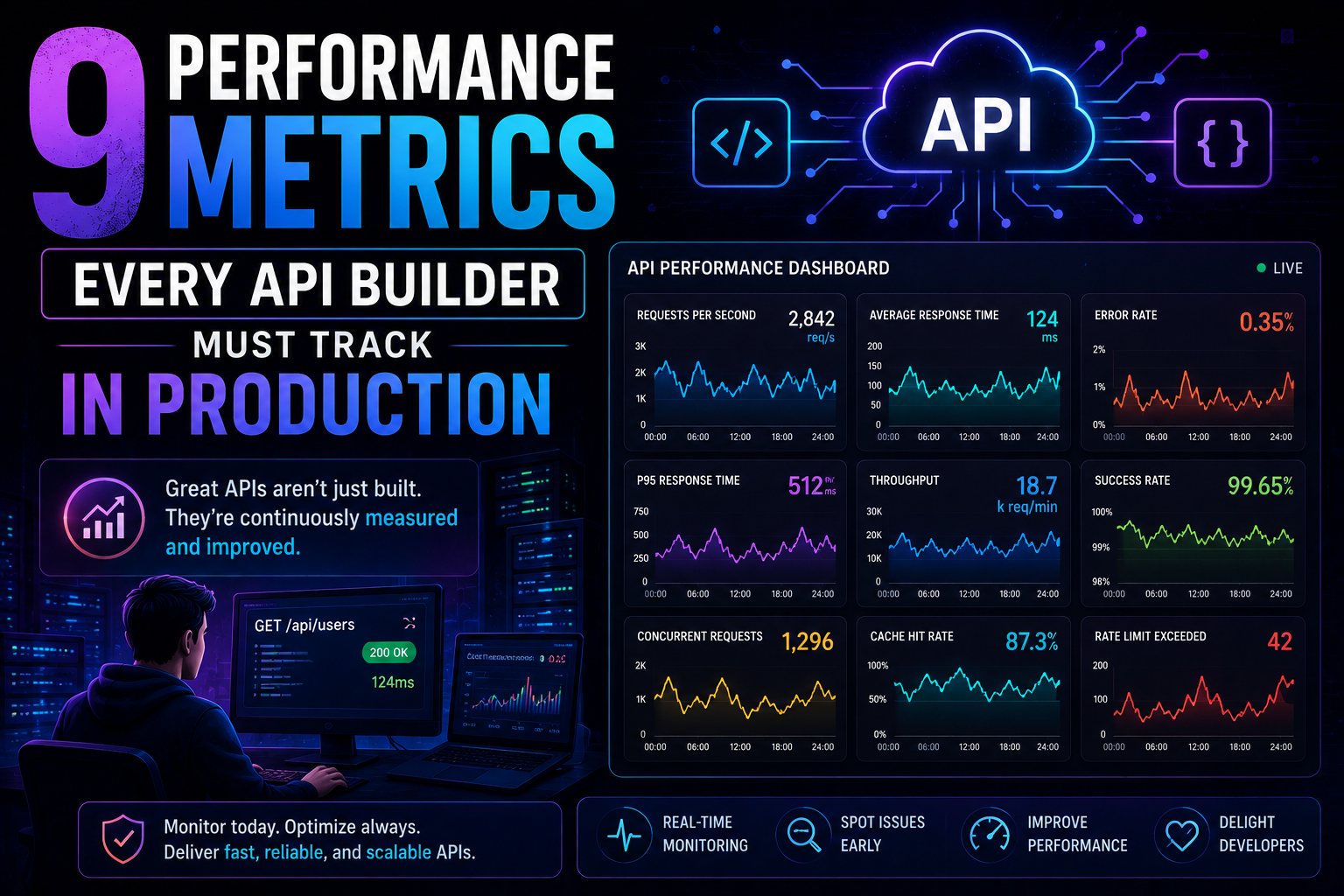
266Latency percentiles. Dependency health. Connection pool saturation. Idempotency success. 9 production metrics every API builder needs – with benchmarks, alert thresholds, and real-world failures prevented.
May 13, 2026
313PostgreSQL vs MongoDB in 2026 — an honest comparison covering benchmarks, data modelling, ACID transactions, scaling, pgvector vs Atlas Vector Search, pricing, and a decision framework for your project.