10 Practical Ways to Integrate AI into Your Existing Product
You don't need to rebuild your product to make it AI-powered. 10 concrete integration patterns — each one something your team could start planning this quarter, without starting from scratch.
You don't need to rebuild your product to make it AI-powered.
That's the most important thing to understand before you start. Businesses are not replacing their entire software ecosystem — they are integrating AI into ERP platforms, CRM systems, mobile apps, HR tools, logistics dashboards, and legacy enterprise applications. The goal is to unlock new value from what you already have, not to throw it away and start over.
As McKinsey reports, 78% of companies now use AI in at least one business function, up from just 20% in 2017. But adoption numbers don't tell the full story. The gap between companies that have experimented with AI and companies that have successfully integrated it into a product in ways users actually value is enormous. Most AI integration efforts fail not because the technology doesn't work, but because teams start with the technology instead of the user problem.
This article gives you 10 concrete, proven integration patterns — each one something your team could start planning this quarter, without rebuilding your product from scratch.
Before you start: the principle that makes everything else work
Here's what most product teams get wrong: they start with the AI technology instead of the user problem. Your users don't care about your fancy neural networks. They care about getting their work done faster, making better decisions, or avoiding tedious tasks.
Before picking any of the 10 approaches in this article, run this filter:
- What is a specific, painful user problem? — not "AI can help with productivity" but "users spend 40 minutes per day manually categorising support tickets"
- Is this problem frequent enough to justify the integration cost? — a problem that happens once a month is not the same as one that happens every hour
- Can you measure improvement? — time saved, error rate reduced, conversion rate increased, churn rate decreased — you need a number to know if it worked
The AI integration that survives is the one that solves a real problem measurably. Everything else gets deprioritised at the next planning cycle.
1. AI-powered search and smart filtering
Most product search is broken in a way users have learned to tolerate. They type exact keywords, get nothing if the phrasing is slightly off, and manually filter through irrelevant results. It works well enough that nobody complains loudly — but it's quietly creating friction hundreds or thousands of times per day.
Semantic search replaces keyword matching with meaning matching. A user searching for "how to cancel my account" finds the answer even if the documentation says "account termination" or "close your subscription." A user searching for "red dress for a wedding" in an e-commerce product finds floral evening gowns that match the intent, not just the literal words.
How to integrate it without rebuilding search from scratch:
The integration path is well-established in 2026. Embed your existing content — documentation, product listings, support articles, user data — using an embedding model (OpenAI's text-embedding-3-small, Cohere's embed-v3, or an open-source equivalent). Store the vectors in a vector database (Pinecone, Weaviate, Qdrant, or pgvector if you're already on PostgreSQL). At query time, embed the user's search query, find the nearest vectors, and return semantically relevant results.
The key insight: the AI feature should feel like a natural part of the product experience. Users should not have to "switch modes" to access it. Don't add a separate "AI search" button — just make the existing search box smarter.
Impact benchmark: E-commerce companies using semantic search report 15–30% improvements in search-to-purchase conversion rates. Support products report 25–40% reduction in "no results" queries.
Tools: OpenAI Embeddings, Cohere Embed, Pinecone, Weaviate, pgvector
2. AI writing assistance embedded in your product
If your product has any text input — emails, reports, responses, descriptions, proposals, messages, comments — AI writing assistance is one of the fastest integration paths with measurable user value.
The pattern: identify where users spend significant time writing, and surface AI assistance inline. Not as a modal or a separate screen — as a contextual suggestion that appears naturally within their existing workflow.
Concrete implementations by product type:
- CRM / sales tools — AI drafts personalised follow-up emails based on deal context, contact history, and the user's previous writing style
- Customer support platforms — AI suggests responses to tickets based on similar past resolutions and the customer's full context
- Project management — AI generates task descriptions, meeting summaries, and status update drafts from notes or transcripts
- HR / documentation tools — AI drafts job descriptions, performance review frameworks, or policy documents from brief bullet inputs
- E-commerce platforms — AI generates product descriptions from SKU data, attributes, and category context
The right integration level is important. An autocomplete suggestion (one tab to accept) creates less friction than a "Generate" button that opens a separate panel. The closer AI assistance is to the cursor, the more it gets used.
Tools: OpenAI GPT-4o, Anthropic Claude API, Mistral API, Microsoft Azure OpenAI Service
3. Intelligent document and data extraction
Most enterprise products handle documents. Contracts, invoices, reports, forms, receipts, medical records, legal filings. In the vast majority of products, humans still read these documents and manually enter the data somewhere else — a genuinely painful, error-prone, and expensive workflow that AI eliminates almost entirely.
Most enterprise data lives in unstructured documents — PDFs, forms, contracts, medical notes, leases, invoices. Manual processing is slow, error-prone, and expensive. Document intelligence is becoming an enterprise-wide automation layer.
If your product involves any document workflow, the integration path looks like this: when a document is uploaded or received, pass it through a document AI layer that extracts structured data — dates, amounts, names, line items, clauses — and populates your product's fields automatically. The user reviews and confirms rather than types from scratch.
What this looks like for different products:
- Accounting software — invoices are uploaded, line items and totals are extracted, and a draft bill is created in seconds
- Legal tools — contracts are parsed, key dates and obligations extracted, and deadlines automatically added to the calendar
- Healthcare platforms — referral letters and medical records are processed to pre-populate patient intake fields
- Logistics / supply chain — shipping documents and bills of lading are parsed to update order records automatically
The ROI is unusually clear because the before state is so measurable: how many minutes per document, at what labour cost, with what error rate. AI document extraction consistently delivers 60–80% time reduction on document processing tasks.
Tools: Google Document AI, AWS Textract, Azure Form Recognizer, Reducto, LlamaParse (for complex PDFs)
4. Personalised recommendations and dynamic content
Recommendation systems are one of the most mature and well-understood AI integration patterns. They are also one of the most consistently high-ROI. Amazon attributes 35% of its revenue to its recommendation engine. Netflix estimates its recommendation system saves $1 billion per year in churn prevention. These are extreme cases — but the underlying logic applies at every scale.
If your product has more content, products, or options than a user can reasonably evaluate, a recommendation system makes the product more valuable by helping them find what they need faster.
The four main recommendation patterns:
Collaborative filtering — "Users like you also chose X." Based on behavioural similarity between users. Works well with large user bases and rich interaction data.
Content-based filtering — "Because you liked X, you might like Y." Based on attributes of items the user has engaged with. Works even with smaller datasets and cold-start users.
Hybrid approaches — combining collaborative and content-based signals for better accuracy, especially at the edges where either approach alone underperforms.
LLM-powered personalisation — in 2026, many products are moving toward using language models to generate explanations and contextual recommendations based on rich user context, not just behavioural signals. "Because you mentioned you're building a React app for enterprise clients, here are the three templates most used by similar teams."
The last point matters for integration: you don't always need to build a full recommendation system. For smaller products, an LLM with access to user context and product data can generate relevant suggestions through a simple API call — without training a custom model.
Tools: AWS Personalize, Google Recommendations AI, custom collaborative filtering with scikit-learn, LLM-powered recommendations via Claude or GPT-4o API
5. Conversational AI and contextual chatbots
This is the most widely implemented AI integration pattern in 2026 — and also the one most often done badly. The difference between a chatbot that delights users and one that frustrates them comes down to one decision: knowing what the chatbot should and should not handle.
Bad chatbots try to do everything and fail at most of it. Good chatbots handle a narrow, well-defined set of tasks exceptionally well and hand off gracefully to humans for everything else.
The winning architecture in 2026 is Retrieval-Augmented Generation (RAG): the chatbot retrieves relevant content from your product's actual knowledge base — documentation, policies, FAQs, past resolutions — and uses an LLM to compose a natural, contextually accurate response. It answers from your data, not from general training knowledge.
The three tiers of conversational AI integration:
Tier 1 (start here): Documentation and FAQ assistant. Users ask questions in natural language, the bot retrieves the relevant documentation section and explains it. Resolves 40–60% of support queries without human intervention in most products.
Tier 2: Action-capable assistant. The bot can do things — look up account status, process a refund request, update a setting — by connecting to your product's API. Users accomplish tasks conversationally without navigating the UI.
Tier 3: Proactive assistant. The bot surfaces relevant information without being asked — "I noticed you haven't completed onboarding step 3, which typically takes 5 minutes and unlocks feature X. Want me to walk you through it?"
Start at Tier 1. Prove value. Then expand to Tier 2 once you have data on what users are asking for most.
Non-negotiable design requirements: Always show the source of the information so users can verify it. Always provide a clear path to a human. Never let the bot guess on questions it doesn't have reliable data for — hallucination in a customer-facing product destroys trust fast.
Tools: Anthropic Claude API, OpenAI GPT-4o API, LangChain for RAG orchestration, Pinecone or Weaviate for retrieval
6. Predictive analytics and smart alerts
Your product almost certainly has data that, if analysed correctly, could tell users something valuable they don't currently know — before a problem occurs rather than after.
Demand forecasting is becoming a core operational necessity. Seasonality, promotions, guest flow, patient intake, and market signals form dynamic patterns that traditional analytics can't handle.
This is the integration pattern that shifts your product from reactive to proactive. Instead of showing users what happened, you tell them what's likely to happen — and give them time to act.
Concrete examples by product vertical:
- SaaS analytics tools — predict which accounts are at churn risk 30–60 days before they cancel, based on usage patterns, support ticket frequency, and engagement trends
- E-commerce platforms — forecast which inventory items will stock out before the next reorder cycle, based on sales velocity and seasonal trends
- Project management tools — predict which projects are at risk of deadline slippage based on task completion rates, blockers logged, and team capacity
- Financial tools — flag unusual spending patterns that could indicate fraud or budget overruns before they compound
- HR platforms — identify employees showing early signals of disengagement based on activity patterns, before they become flight risks
The integration approach: train a model on your historical data (gradient boosted trees or a simple neural network often outperform complex models here), expose the predictions via an internal API, and surface them in your product's existing interface as smart alerts, risk indicators, or proactive dashboard cards.
The key metric to measure: how often users act on predictions, and whether those actions prevent the predicted outcome. An alert users ignore isn't a feature — it's noise.
Tools: AWS SageMaker, Google Vertex AI, scikit-learn, XGBoost (for tabular prediction), Databricks (for large-scale data pipelines)
7. Automated tagging, classification, and data organisation
Every product has a taxonomy problem. Users create content — support tickets, transactions, documents, tasks, contacts — and that content needs to be categorised so it can be searched, routed, reported on, and acted on. In most products, this categorisation either happens manually (expensive, slow, inconsistent) or not at all (making the data nearly useless at scale).
AI classification solves this by automatically tagging content with the categories, labels, sentiments, priorities, and attributes your product needs — in real time, at scale, with consistency that no human team can match.
High-impact classification integrations:
- Support ticket routing — automatically classify incoming tickets by topic, urgency, and product area, and route to the right team without a human dispatcher
- Transaction categorisation — automatically categorise bank transactions, expenses, or purchases into budget categories for financial tools
- Content moderation — automatically flag policy-violating content for human review in community or marketplace products
- Sentiment analysis — automatically score customer feedback, reviews, and support interactions for overall sentiment and specific themes
- Lead scoring — automatically classify and score inbound leads based on fit signals, intent data, and behavioural patterns
The integration is usually simple: on content creation or ingestion, pass the text through a classification API call and store the result alongside the original record. Your existing database structure doesn't need to change — you're adding a field, not rebuilding the schema.
Tools: OpenAI API (few-shot classification), Anthropic Claude API, AWS Comprehend (sentiment and entity recognition), Google Natural Language API
8. AI-powered onboarding and personalised user journeys
User onboarding is where most products lose the majority of their new signups. The average SaaS product loses 40–60% of new users within the first week — not because the product is bad, but because users never reached the moment where they understood its value.
AI personalises the onboarding journey by adapting to what individual users actually do rather than putting every user through the same linear checklist.
The AI-enhanced onboarding pattern:
Step 1: Capture intent signals early — role, use case, team size, primary goal. One or two questions, not a five-page form.
Step 2: Use these signals to dynamically route users to the onboarding track most relevant to their context. A solo developer and an enterprise procurement manager have completely different first-week needs.
Step 3: Monitor activation signals in real time — which features did they try, which did they skip, where did they drop off — and trigger contextual guidance at the exact moment they're stuck.
Step 4: Use AI to generate personalised in-app messages, tutorial content, or next-step suggestions based on what each user has done and not done.
The result is an onboarding experience that feels tailored rather than generic — which directly impacts the metrics that matter: time-to-value, feature adoption, and week-one retention.
This is one of the highest-ROI AI integrations for SaaS products because it improves a metric (activation rate) that compounds through the entire customer lifetime. A 10% improvement in activation typically translates to 8–15% improvement in 90-day retention.
Tools: Intercom, Customer.io, or custom LLM-powered personalisation via your existing user event data
9. Code generation and developer productivity tools
If your product serves developers — or if you have developers building on your platform — embedding AI code assistance is one of the most concrete ways to make your product more valuable.
The most obvious implementation is a code editor integration — AI that suggests completions, generates boilerplate, explains unfamiliar code, and catches errors as developers type. But the integration opportunities go further:
- API documentation that generates code examples — when a developer reads your API docs, AI generates working code in their preferred language from the endpoint spec
- Interactive debugging — when a build fails or an error is thrown, AI analyses the stack trace and suggests a fix in context
- Test generation — AI generates unit tests for functions the developer writes, improving coverage without additional effort
- Migration assistance — AI helps developers upgrade between versions of your SDK or API, automatically identifying breaking changes in their existing code and suggesting the updated patterns
For platform products and developer tools, these integrations directly reduce time-to-integration and time-to-first-successful-call — the metrics that determine whether developers adopt your platform or move to a competitor.
Tools: OpenAI Codex, Anthropic Claude API (strong code performance), GitHub Copilot API, tree-sitter (for code parsing and context extraction)
10. AI-generated reporting and insight summaries
Most analytics dashboards show users data. The next step is telling users what the data means.
Instead of a table of numbers users must interpret, an AI summary layer reads your product's data, identifies the most significant changes, compares them to relevant baselines, and writes a plain-English explanation of what happened and why it might matter.
What this looks like in practice:
Your report for the week ending May 2, 2026:

Revenue was up 12% vs last week, driven primarily by a 28% increase
in Enterprise plan signups — your highest week of Enterprise acquisition
this quarter. Churn was 0.4%, below your 30-day average of 0.7%.

One area to watch: support ticket volume increased 34%, with the majority
of tickets related to the new export feature. This may indicate a usability
issue worth investigating before the broader rollout.
This is more actionable than a dashboard of charts because it filters signal from noise and tells the user where to direct their attention. Users who receive this kind of insight act on it more often than users who must interpret raw data themselves.
The integration: schedule a job that runs after your data pipeline, passes the relevant metrics to an LLM with context about your product and the user's role, and emails or surfaces the generated summary in-product. The generation cost per report is typically a few cents. The value — measured in time saved by analysts and faster decisions by executives — is substantially higher.
AI copilots create the usage patterns, datasets, and trust needed for full automation — customer-facing roles are being transformed, reducing complexity and accelerating service across operations.
Tools: Anthropic Claude API or OpenAI GPT-4o for summarisation, your existing data pipeline (dbt, Airflow, or equivalent) for data preparation
How to choose where to start
With 10 options, the hardest part is deciding where to begin. Use this decision matrix:
| Criteria | Weight | Why it matters |
|---|---|---|
| User pain is frequent and clearly articulated | High | Adoption depends on solving a problem users actively feel |
| Data is clean and accessible | High | AI is only as good as the data it works with |
| Success can be measured | High | You need evidence to justify the next investment |
| Implementation is achievable in 4–6 weeks | Medium | Quick wins build internal confidence and momentum |
| Risk of embarrassing failure is low | Medium | Start where the downside of a bad output is limited |
The integration that scores highest on this matrix is your starting point — regardless of which one seems most technically impressive.
The sequence that works for most products:
- Pick one workflow where the problem is clear, the data is available, and success is measurable
- Build a prototype in two to three weeks
- Test with a small group of real users — 20 to 50 users, observing actual behaviour not just surveys
- Measure the impact against your baseline metric
- If positive: invest in reliability, error handling, and rollout
- If neutral or negative: learn why, adjust, and try the next highest-scoring option
Don't try to integrate AI everywhere at once. One successful integration that users actually rely on is worth more than five experiments that never shipped.
What good AI integration looks like in practice
The common thread across every successful AI integration is the same: the AI feature feels like a natural part of the product experience. Users don't have to switch modes to access it. The stronger the connection between the AI feature, the product logic, and the user's actual task, the more value the integration creates.
When AI is integrated well, users don't think "I'm using an AI feature." They think "this product just got smarter." That's the bar. The best integrations are invisible as AI and visible only as product improvement.
Frequently asked questions
Where should a SaaS company start with AI integration? Start with your highest-frequency user pain point that has measurable data. For most SaaS products, this is either support ticket resolution (conversational AI with RAG) or data that users currently interpret manually (AI-generated summaries or predictive alerts). Both have clear success metrics, manageable implementation scope, and low risk of catastrophic failure if the AI produces an imperfect output.
How long does it take to integrate AI into an existing product? A focused, single-feature integration — AI search, document extraction, or a classification pipeline — typically takes 4 to 12 weeks from start to production. Most AI integration projects take between 3 to 12 months depending on complexity. The wide range reflects the difference between adding an API call to an existing workflow versus redesigning a core product experience around AI capabilities.
Do I need to train a custom AI model to integrate AI into my product? For most integration patterns, no. Pre-trained models accessed via API — OpenAI, Anthropic, Cohere, and Google — handle the majority of use cases without custom training. Custom model training makes sense when you have large volumes of proprietary data, when off-the-shelf models don't perform well on your specific domain, or when you have strong data privacy requirements that prevent sending data to third-party APIs.
What is RAG and why does it matter for product AI integration? RAG stands for Retrieval-Augmented Generation. Instead of relying solely on the AI model's training knowledge, RAG retrieves relevant information from your product's own data — documentation, past interactions, product catalogue — and provides it as context to the model before generating a response. This makes the AI's output accurate to your specific product and data, rather than generic. It's the foundation of most good conversational AI integrations.
How do I prevent AI from producing wrong outputs that embarrass my product? Design with fallbacks from the start. Show confidence scores and only surface high-confidence outputs automatically. Show users the source of AI-generated content so they can verify it. Build a feedback mechanism (thumbs up/down) on every AI output and use it to identify failure modes. Never remove the human option — always let users override, correct, or escalate AI outputs. Start with lower-stakes workflows where an imperfect output is inconvenient rather than damaging.
How do I measure the success of an AI integration? Define your success metric before you build, not after you ship. Pick the specific user outcome you're improving — time spent on task X, error rate in workflow Y, conversion rate on step Z — and measure it against your pre-integration baseline. Adoption rate (did users try the feature?) and retention rate (do they keep using it?) are secondary metrics. The primary measure is always: did the user outcome improve?

Iria Fredrick Victor
Iria Fredrick Victor(aka Fredsazy) is a software developer, DevOps engineer, and entrepreneur. He writes about technology and business—drawing from his experience building systems, managing infrastructure, and shipping products. His work is guided by one question: "What actually works?" Instead of recycling news, Fredsazy tests tools, analyzes research, runs experiments, and shares the results—including the failures. His readers get actionable frameworks backed by real engineering experience, not theory.
Share this article:
Related posts
More from AI
May 27, 2026
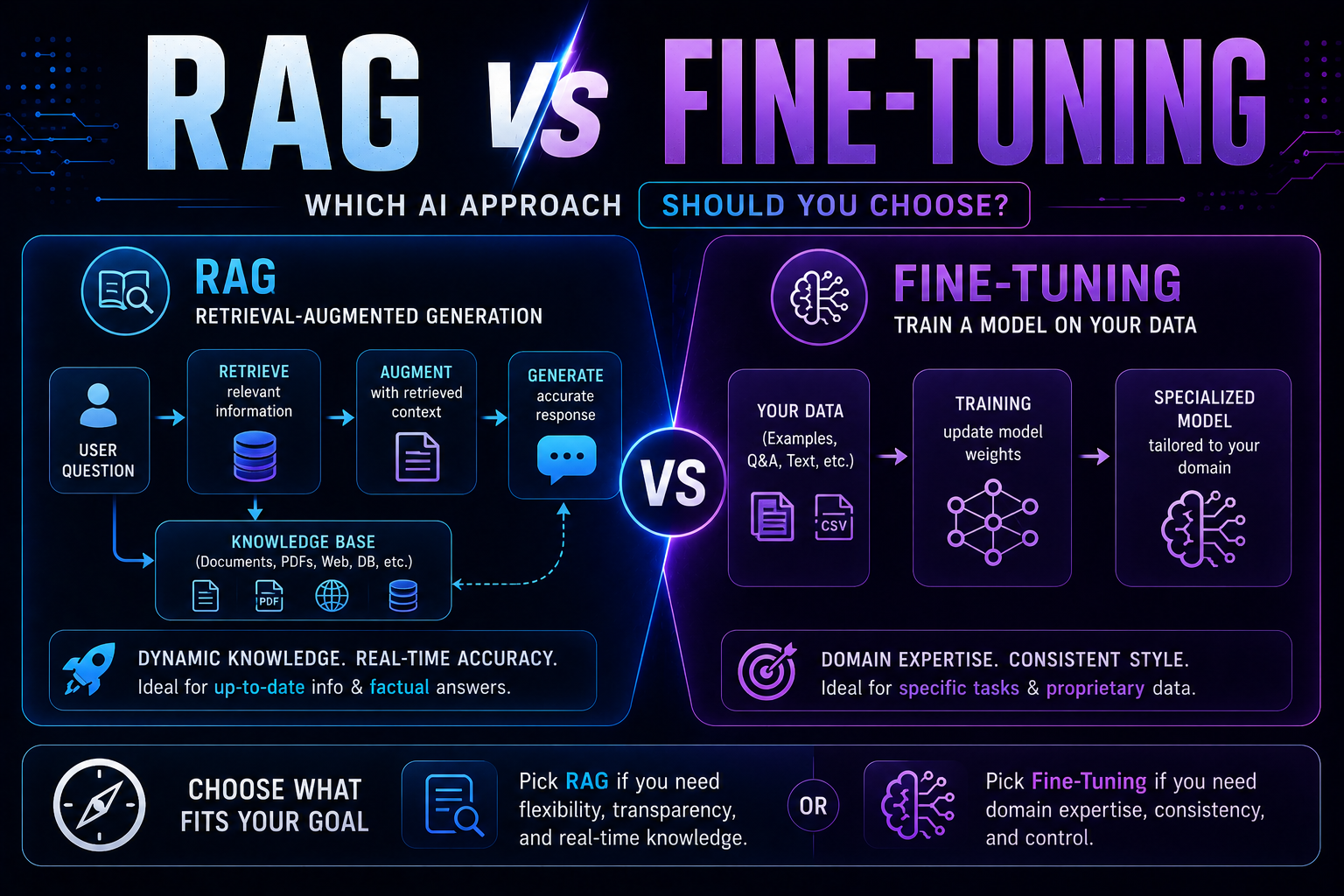
215RAG vs fine-tuning in 2026 — a practical guide covering when to use each, how both work with real code examples, the form vs facts distinction, hybrid approaches, true costs, and a decision framework to choose the right AI architecture for your use case.
May 22, 2026
2215 red flags every business must spot before buying AI software — covering demo manipulation, data privacy gaps, missing error handling, AI-washing, and lock-in contracts, with a 4-week vendor evaluation framework.
May 13, 2026
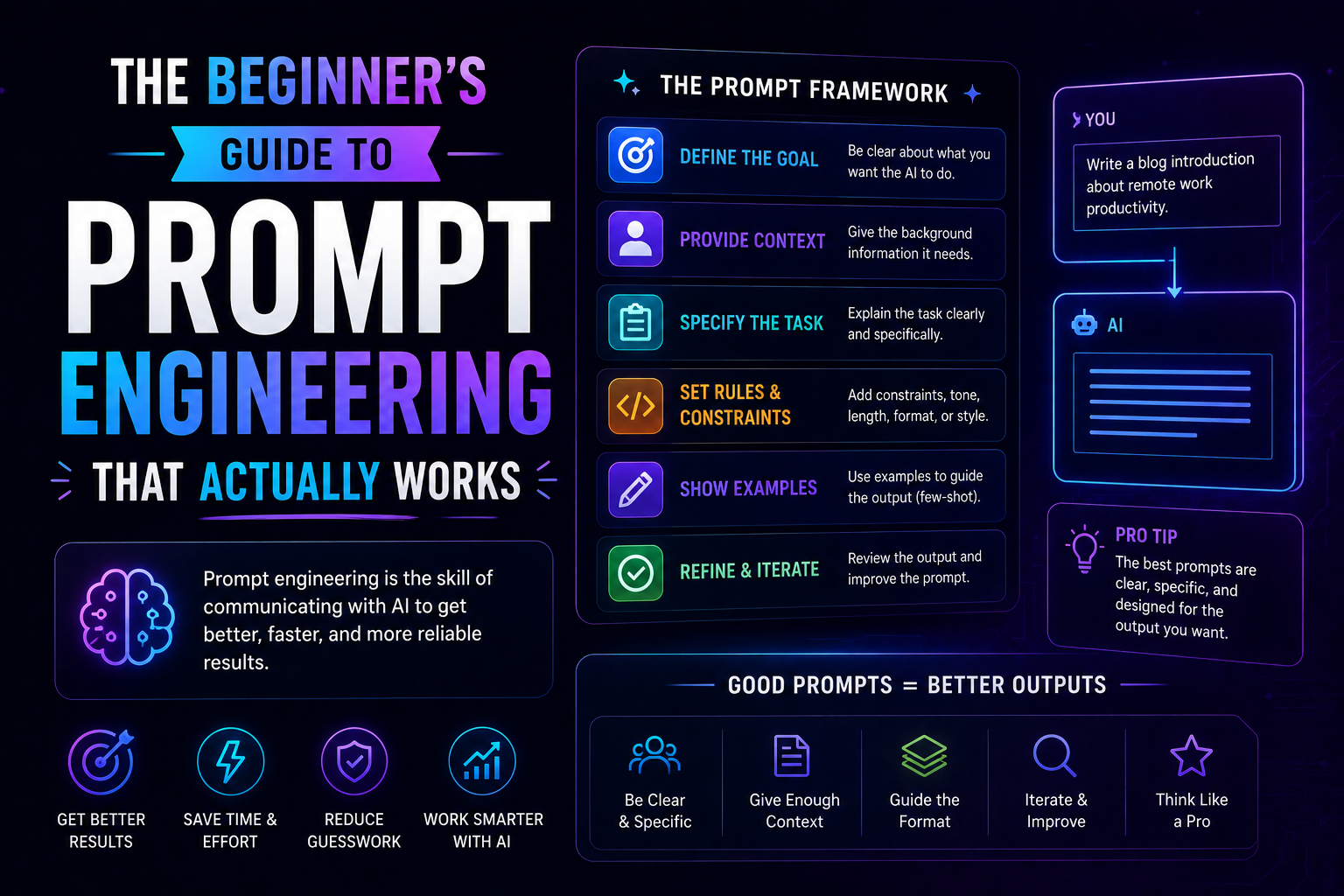
1180The beginner's guide to prompt engineering that actually works in 2026 — covering the RCTF framework, chain of thought, few-shot examples, output contracts, and model-specific tips for Claude, GPT-5, and Gemini.