Why I'm Teaching My Junior Devs to Use AI (And You Should Too)
Fredsazy explains why he's actively teaching junior developers to use AI — and why banning it makes your team slower, not smarter.
Some managers ban AI. Some ignore it. Fredsazy is doing something different: teaching junior developers how to use it effectively. Here's why AI is the best thing that happened to junior dev training — and how to teach it without creating lazy engineers.
Let me tell you about the junior dev who beat me.
I gave a task to two people on my team. Same task. One hour.
A senior dev with ten years of experience. And a junior dev who joined six months ago.
The junior finished in 35 minutes. Clean code. Good tests. No bugs.
The senior took 55 minutes. Also good code. Also no bugs.
I asked the junior: "How did you finish so fast?"
They showed me. They used AI for the boilerplate. The repetitive stuff. The parts that take time but don't require deep thinking. Then they reviewed everything, fixed the weird AI-isms, and shipped.
The senior did everything manually. Out of pride? Habit? Fear? I don't know.
What I know is: the junior was faster. Not because they were smarter. Because they used the tools available.
That's when I changed my mind about AI and junior devs.
I used to worry: If juniors use AI, will they learn the fundamentals? Will they become dependent? Will they be useless without it?
Now I think the opposite: If juniors don't learn AI, they'll be left behind.
So I started teaching them. Here's how — and why you should too.
The Fear That Kept Me Stuck (And Probably Keeps You Stuck)
Let me name the fear I had.
Fear: Juniors will use AI as a crutch. They'll generate code they don't understand. They'll become "prompt engineers" instead of real developers.
Fear: They won't learn to debug because AI will write the fix. They won't learn architecture because AI will suggest patterns. They won't learn to think because AI will think for them.
Fear: In five years, they'll be helpless without ChatGPT.
I was wrong.
Here's what actually happened when I started teaching AI to juniors:
They learned faster. Not slower. Because AI answered their dumb questions instantly, without me interrupting my work.
They asked better questions. Because they learned what AI is good at and what it's terrible at. That discrimination is a skill.
They became more independent. Because they could unblock themselves instead of waiting for me.
The crutch fear was backwards. AI made them stronger, not weaker.
What I Actually Teach Juniors (Not Just "Use ChatGPT")
I don't just say "go use AI." That's useless.
I teach them a specific workflow.
1. Use AI for what it's good at
- Boilerplate code (CRUD endpoints, mappers, validators)
- Regex patterns (nobody writes these from memory)
- Simple refactoring ("convert this loop to a map function")
- Documentation lookups ("how does this library work?")
2. Never trust AI for what it's bad at
- Business logic that matters (AI doesn't know your domain)
- Security-sensitive code (AI doesn't know your threat model)
- Performance-critical paths (AI optimizes for readability, not speed)
- Anything involving money or user data
3. Treat AI output as a first draft, not a final answer
Review every line. Rewrite what you don't understand. Delete what's unnecessary.
The rule I teach: "If you can't explain it to me, don't commit it."
4. Use AI to learn, not to skip learning
When AI generates code, ask it: "Explain why you wrote it this way."
When you get an error, ask: "What does this error mean and how do I fix it?"
Don't just copy the answer. Learn the lesson.
The Curriculum I Built (Steal This)
Here's exactly what I teach juniors over their first two months.
Week 1: Prompting fundamentals
- How to write clear, specific prompts
- How to add context (error messages, existing code, requirements)
- How to ask for explanations, not just code
Week 2: Reviewing AI output
- Spotting "AI-isms" (over-engineering, weird variable names, unnecessary abstraction)
- Running tests on AI-generated code
- Knowing when to delete and rewrite vs. edit
Week 3: AI for debugging
- Feeding error messages to AI
- Asking for possible causes, not just fixes
- Validating AI suggestions against your actual system
Week 4: AI for architecture questions
- "How would you structure this feature?"
- "What are the trade-offs between these two approaches?"
- Using AI to brainstorm, then using human judgment to decide
Week 5-8: Live projects
- AI allowed for all coding
- Weekly review of AI-generated code (group session)
- Discussion of what worked and what failed
By week 8, juniors are faster than seniors were at week 0. And they understand why the AI made its suggestions.
What I've Seen Happen (The Results)
After six months of teaching this way:
Junior productivity doubled. Not because they work harder. Because they spend less time on boilerplate and more time on real problems.
Code quality stayed the same or improved. Because juniors are reviewing AI output more carefully than they'd review their own typing.
Onboarding time dropped from 3 months to 6 weeks. New devs get productive faster because AI answers their "how do I..." questions instantly.
Senior frustration dropped. Juniors interrupt less. They unblock themselves. Seniors can focus on hard problems instead of answering "what's the syntax for this again?"
The best part: Juniors are learning faster than the pre-AI generation. Not because they're smarter. Because they have a tutor available 24/7 that never gets tired of explaining the same concept.
The One Rule I Enforce (No Exceptions)
I have one hard rule: no AI-generated code gets committed without human review.
Not from juniors. Not from seniors. Not from me.
Every line of AI code must be:
- Read by a human
- Understood by that human
- Tested (automatically or manually)
This rule prevents the "copy-paste without thinking" problem. It ensures learning happens. And it catches the confident wrong answers that AI loves to produce.
Juniors hate this rule at first. "It's slower." "It's extra work."
Then they get burned by an AI-generated bug that they would have caught if they'd reviewed. And they understand.
What About the Juniors Who Don't Want to Learn AI?
I've had a few.
"I want to learn the hard way." "I don't want to become dependent."
I respect the instinct. But here's what I tell them:
The industry is changing. Five years from now, not knowing how to use AI for development will be like not knowing how to use version control today.
You can learn manually. You'll be slower. You'll be less competitive. You'll spend your cognitive energy on syntax instead of problem-solving.
I don't force anyone. But I make the case. Most come around when they see their peers shipping faster.
The Brand Takeaway
Here's what Fredsazy wants engineering leaders to remember:
"They don't fear AI. They teach it."
The managers who ban AI are creating two classes of developers: those who learn it in secret and those who fall behind.
The managers who ignore AI are leaving value on the table.
The managers who teach AI — who build curriculum, set rules, and mentor through the transition — are building the strongest teams.
That's what I'm doing. That's what you should do too.
One Last Thing
Go talk to your juniors this week.
Ask them: "Are you using AI for your work?"
If they say no, they're either lying or falling behind.
If they say yes, ask: "Are you using it effectively? Or just copying answers?"
Then build a curriculum. Set some rules. Teach them the difference.
Your team will get faster. Your juniors will learn more. And you'll stop being afraid of something that's actually a superpower.
Written by Fredsazy — because teaching AI to juniors is the best investment you'll make this year.

Iria Fredrick Victor
Iria Fredrick Victor(aka Fredsazy) is a software developer, DevOps engineer, and entrepreneur. He writes about technology and business—drawing from his experience building systems, managing infrastructure, and shipping products. His work is guided by one question: "What actually works?" Instead of recycling news, Fredsazy tests tools, analyzes research, runs experiments, and shares the results—including the failures. His readers get actionable frameworks backed by real engineering experience, not theory.
Share this article:
Related posts
More from Software
May 27, 2026
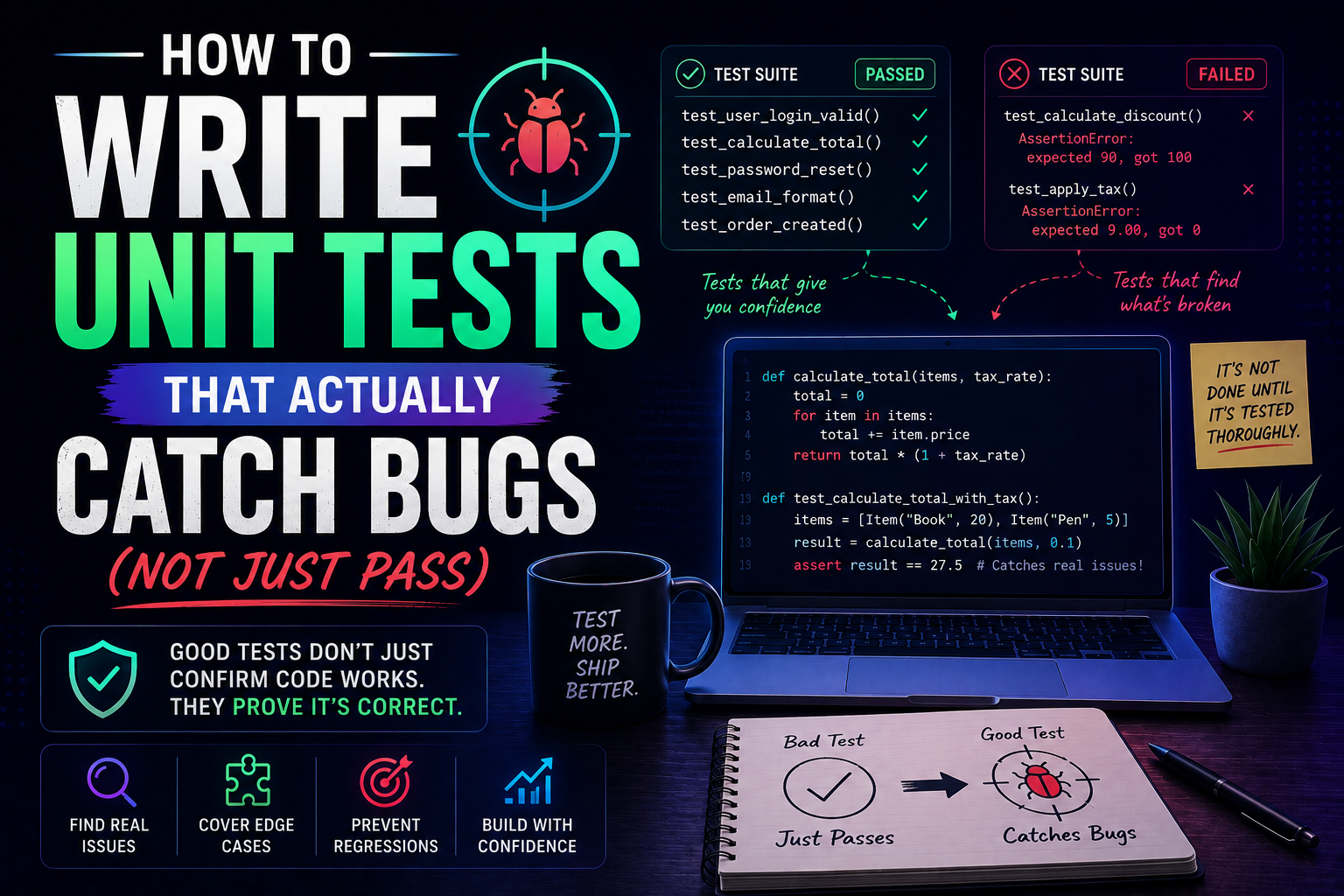
224Learn how to write unit tests that actually catch bugs — not just pass. Covers the AAA pattern, behaviour vs implementation testing, edge cases, test doubles, mutation testing, and a pre-commit checklist for writing tests that protect production.
May 22, 2026
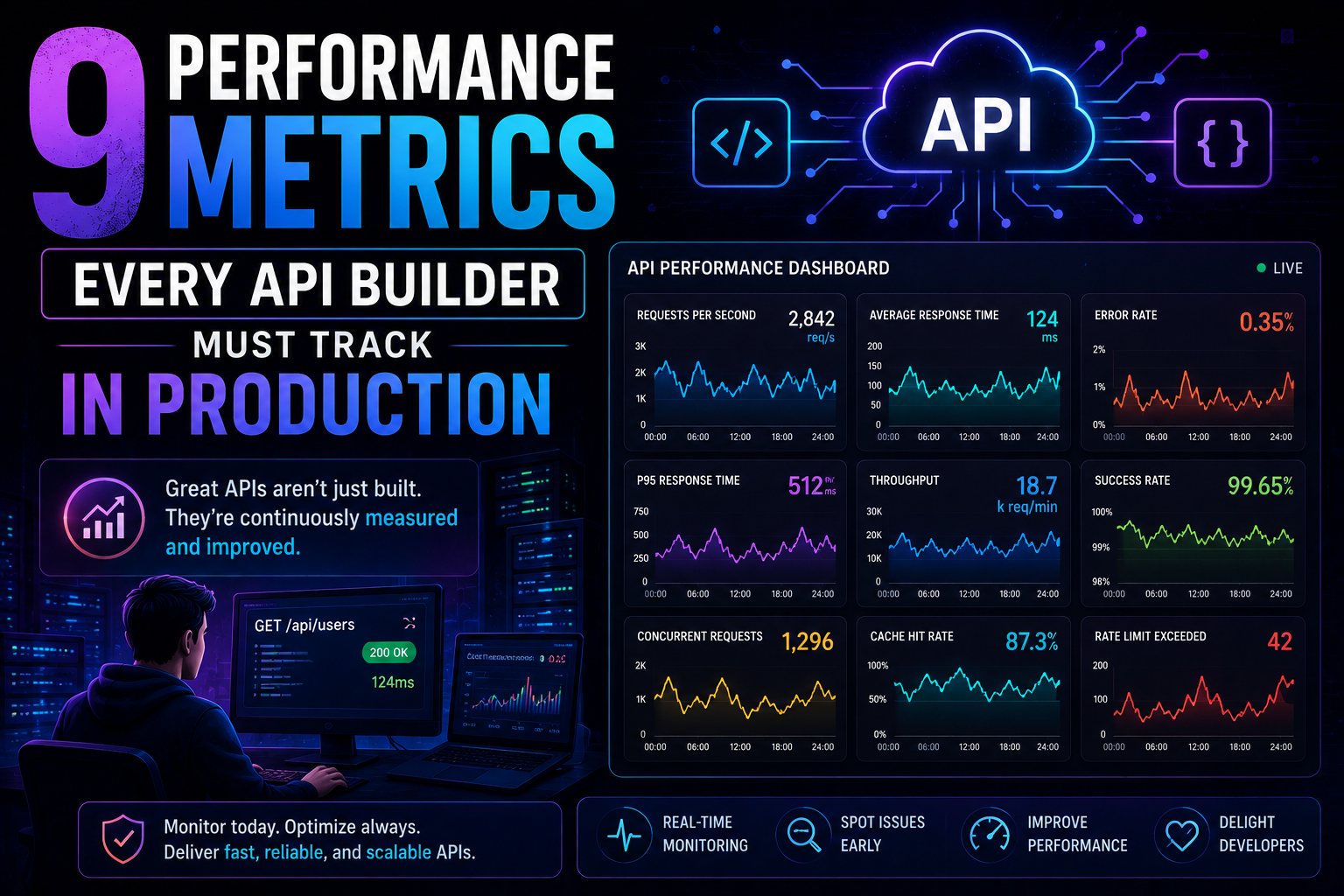
266Latency percentiles. Dependency health. Connection pool saturation. Idempotency success. 9 production metrics every API builder needs – with benchmarks, alert thresholds, and real-world failures prevented.
May 13, 2026
313PostgreSQL vs MongoDB in 2026 — an honest comparison covering benchmarks, data modelling, ACID transactions, scaling, pgvector vs Atlas Vector Search, pricing, and a decision framework for your project.