How to Read Someone Else's Code Without Losing Your Mind
Reading other people's code is harder than writing your own. Here's a systematic way to do it without wanting to quit.

The worst feeling in software development.
You join a new team. Or you're asked to fix a bug in a legacy system. Or your coworker quit and left their code behind.
You open the file. Hundreds of lines. Thousands. Variables named x, temp, data. Functions five screens long. No comments. No tests.
Your brain starts to hurt. You close the file. You open it again. Same pain.
I've been there. Dozens of times.
Reading someone else's code is harder than writing your own. Writing comes from your brain. Reading requires you to get inside someone else's brain. Someone who might think differently than you. Someone who might have been in a hurry. Someone who might have been...
Let's be honest. Sometimes the code is just bad.
Here's how I've learned to do it without losing my mind.
First, Accept the Truth
The code is not going to change.
You can complain about it. You can rewrite it. You can curse the person who wrote it. But right now, you have to understand it.
So stop being angry. The anger makes you slower.
I used to get furious at bad code. Then I realized: the code doesn't care. It just sits there. My anger only hurts me.
Accept it. Move on.
The Golden Rule of Reading Code
Don't read from top to bottom.
Code is not a novel. You don't start at line 1 and read through.
Code is a map. You start at the entry point and follow the paths.
Find where the execution starts. Then trace what happens.
For a web app: find the route handler. For a script: find the main function or the bottom of the file where things actually run. For a library: find the function you're actually calling.
Start there. Not at line 1.
My Step-by-Step Process
Let me walk you through exactly what I do.
Step 1: Run the code first
Before reading anything, run it.
See what it does. Put in some inputs. Look at the outputs. Break something. See what breaks.
The code's behavior is your biggest clue. You can't understand a function by staring at it. You understand it by seeing what it does.
Step 2: Find the entry point
Every program has a starting place.
- Web app: Look for route definitions (
app.get(),@app.route,router.post) - CLI tool: Look for
main()or theif __name__ == "__main__"block - API: Look for the endpoint that handles the request you care about
- Function: You already know the function name. Start there.
If you can't find the entry point, search for keywords that tell you where things begin. listen(), start(), run(), main, handler.
Step 3: Read the function names, not the bodies
Skim the file. Look only at function and class names.
Ignore what's inside them.
You're building a map. "Here's validate_user. Here's process_payment. Here's send_email."
You don't need to know how they work yet. Just know they exist.
Step 4: Pick one path and follow it
Choose a single thing the code does. The simplest thing.
If it's a checkout flow, follow what happens when someone clicks "buy" with a valid credit card. Ignore error handling. Ignore edge cases. Just the happy path.
Trace the execution from entry point through each function call.
Don't go deeper than three levels on your first pass. If a function calls another function that calls another function that calls a database helper, stop at the database helper. You'll come back.
Step 5: Add print statements (or use a debugger)
Reading code in your head is hard. Make the computer show you.
Add console.log or print statements. Log variable values. Log when functions enter and exit.
Better: use a debugger. Set breakpoints. Step through line by line. Watch the variables change.
You don't need to understand everything at once. Let the computer show you what happens.
Step 6: Draw a picture
Seriously. Get a piece of paper.
Draw boxes for functions. Arrows for calls. Notes for what each piece does.
A visual map is easier to understand than nested text in your head. I've been coding for over a decade. I still draw diagrams for complex code.
Step 7: Ignore what you don't need
Most of the code is irrelevant to your task.
You're fixing a bug in the payment flow. You don't need to understand the email notification system. You don't need to understand the admin dashboard. You don't need to understand the logging configuration.
Ignore everything that's not on your path. Focus ruthlessly.
The Mental Model That Helps
Think of code like a city.
You don't learn a city by memorizing every street. You learn the landmarks first. Then the main roads between them. Then the neighborhoods. Then the side streets.
Code is the same.
First find the landmarks (main functions, key variables, important data structures).
Then find the main roads (how data flows from one function to another).
Then understand the neighborhoods (modules, classes, files).
Then, only if you need to, look at the side streets (individual lines of code, error handling, edge cases).
Trying to understand everything at once is like trying to memorize a city map in five minutes. You can't. Don't try.
What To Do With Bad Variable Names
Some people name variables a, b, tmp, data, result, thing.
It's infuriating. But here's what you do:
Rename them in your head.
Every time you see tmp, think "temporary value." Every time you see data, think "the main payload." Every time you see x, think "counter index."
Or rename them for real. Your editor lets you rename symbols. Use it. Change tmp to userData if that's what it actually holds. The code doesn't care.
Just don't commit the changes unless you own the code.
The Most Useful Tool: Finding References
When you see a function call and you don't know what it does, find where that function is defined.
Every modern editor has "Go to Definition." Use it. Click. Jump to the function. Read what it does. Jump back.
Repeat.
If the function is defined in another file, that's fine. Jump there. Read it. Come back.
This is faster than scrolling. Much faster than trying to remember.
How Long Should It Take?
For a small script (100-200 lines): 10-30 minutes.
For a single file in a large project (500-1000 lines): 1-2 hours.
For a whole system (multiple files, many functions): Half a day to a day.
You're not slow. Reading code is slow. That's normal.
If someone tells you they can read a 2000-line file in fifteen minutes, they're either lying or they wrote it. Reading code takes time.
A Real Example
Let me walk through a real debugging session.
The situation: A bug report says users sometimes get charged twice.
Step 1: Run the code.
I place a test order. Works fine. I place another order quickly. Second order errors but charge went through. I see the bug.
Step 2: Find the entry point.
It's a web app. I search for the route: router.post('/checkout'). Found it.
Step 3: Read function names.
Inside the checkout handler I see:
validateCart(cartId)calculateTotal(items)chargeCustomer(token, amount)createOrder(items, customerId)sendConfirmation(email)
I don't know how they work yet. But I know the order they run.
Step 4: Follow the happy path.
A normal order calls all five functions in sequence.
Step 5: Add print statements.
I add logs before and after chargeCustomer. I see that on a normal order, it runs once.
On a fast second order, I see chargeCustomer runs twice. Same token. Same amount.
Step 6: Draw a picture.
I draw: Checkout Handler → validateCart → calculateTotal → chargeCustomer → createOrder → sendConfirmation.
I mark that chargeCustomer is the problem.
Step 7: Focus on what matters.
I ignore validateCart, calculateTotal, createOrder, sendConfirmation. They're fine. The bug is in how chargeCustomer is called or how it handles rapid requests.
I look at chargeCustomer. Inside, there's a call to a payment API. No idempotency key. That's the bug. Without an idempotency key, running chargeCustomer twice with the same token charges twice.
Time taken: About 45 minutes.
I didn't read the whole codebase. I followed one path. I found the bug.
The Signs You're Doing It Wrong
You keep scrolling up and down the same file. Stop. You're lost. Go to the entry point and start again.
You're reading every line. Stop. Most lines are not important right now. Find the path first.
You're trying to understand how the database works when you just need to know where the user's email comes from. Stop. Focus.
You've been staring at the same function for 20 minutes. Stop. Add a print statement. Run it. See what it does.
The Tools That Help
"Go to Definition" – Essential. Learn the shortcut for your editor.
"Find All References" – Shows you everywhere a function or variable is used.
Debugger – Better than print statements. Lets you step through execution.
Collapse functions – Most editors can fold function bodies. Do this. See only the high-level structure.
Search – Control+F is your friend. Search for function names, variable names, strings that appear in output.
The Mindset
You are not expected to understand everything immediately.
The person who wrote this code spent days, weeks, or months on it. You've spent minutes. Be patient with yourself.
The goal is not to understand everything. The goal is to understand enough to complete your task.
Fix the bug. Add the feature. Then close the file and go back to your own code.
One Last Thing
Sometimes the code is truly bad. Unreadable. Broken. A crime against software engineering.
You have two choices:
- Struggle through it. Fix what you need. Leave it better than you found it.
- Rewrite it.
Most people lean toward rewrite. That's usually wrong.
Rewriting takes longer than you think. Rewriting introduces new bugs. Rewriting loses years of edge-case knowledge.
Struggle through it first. Understand it. Then decide if a rewrite is worth it.
Most of the time, it's not.
Written by Fredsazy — because reading code is the skill nobody teaches and everyone needs.

Iria Fredrick Victor
Iria Fredrick Victor(aka Fredsazy) is a software developer, DevOps engineer, and entrepreneur. He writes about technology and business—drawing from his experience building systems, managing infrastructure, and shipping products. His work is guided by one question: "What actually works?" Instead of recycling news, Fredsazy tests tools, analyzes research, runs experiments, and shares the results—including the failures. His readers get actionable frameworks backed by real engineering experience, not theory.
Share this article:
Related posts
More from Software
May 27, 2026
224Learn how to write unit tests that actually catch bugs — not just pass. Covers the AAA pattern, behaviour vs implementation testing, edge cases, test doubles, mutation testing, and a pre-commit checklist for writing tests that protect production.
May 22, 2026
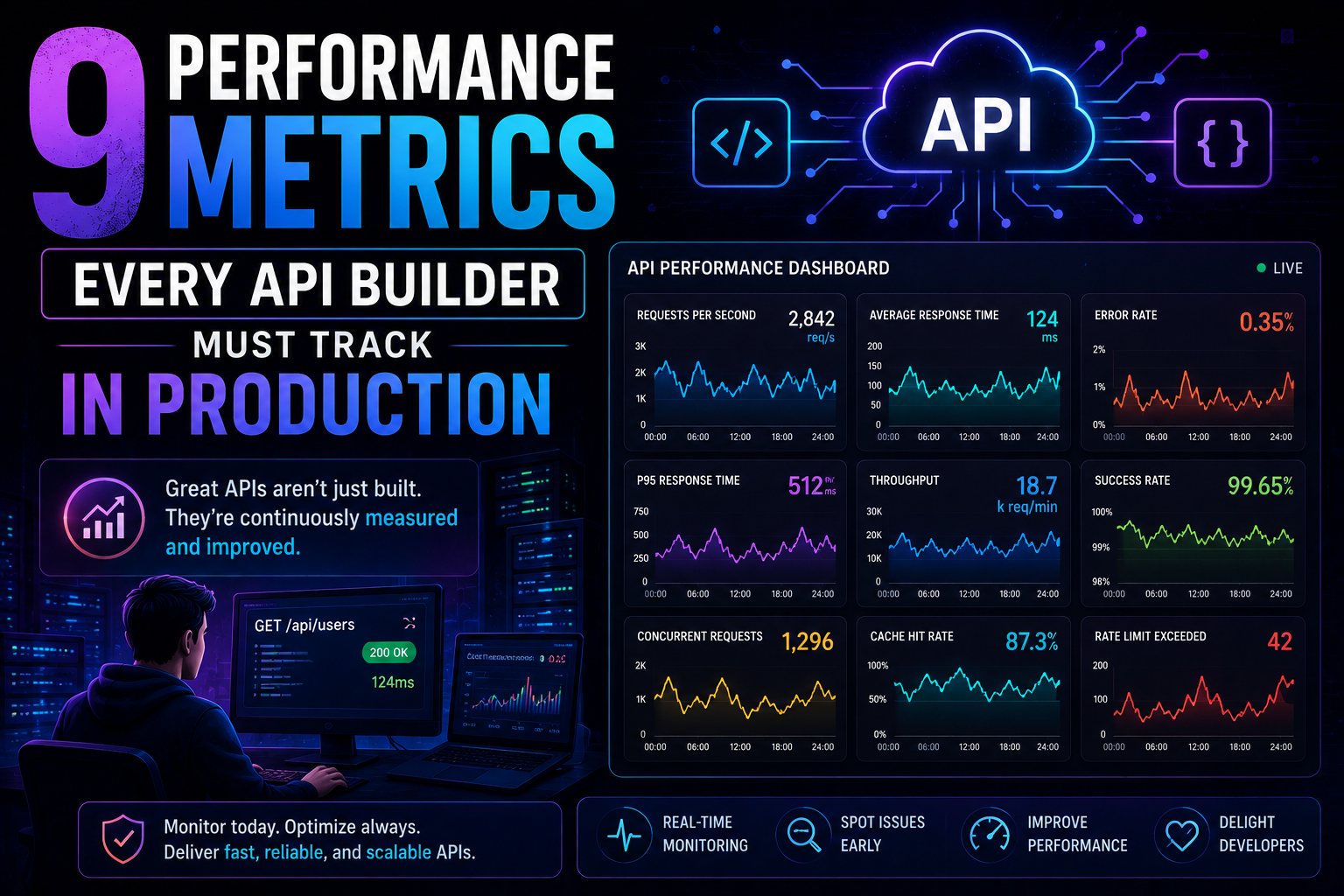
266Latency percentiles. Dependency health. Connection pool saturation. Idempotency success. 9 production metrics every API builder needs – with benchmarks, alert thresholds, and real-world failures prevented.
May 13, 2026
313PostgreSQL vs MongoDB in 2026 — an honest comparison covering benchmarks, data modelling, ACID transactions, scaling, pgvector vs Atlas Vector Search, pricing, and a decision framework for your project.