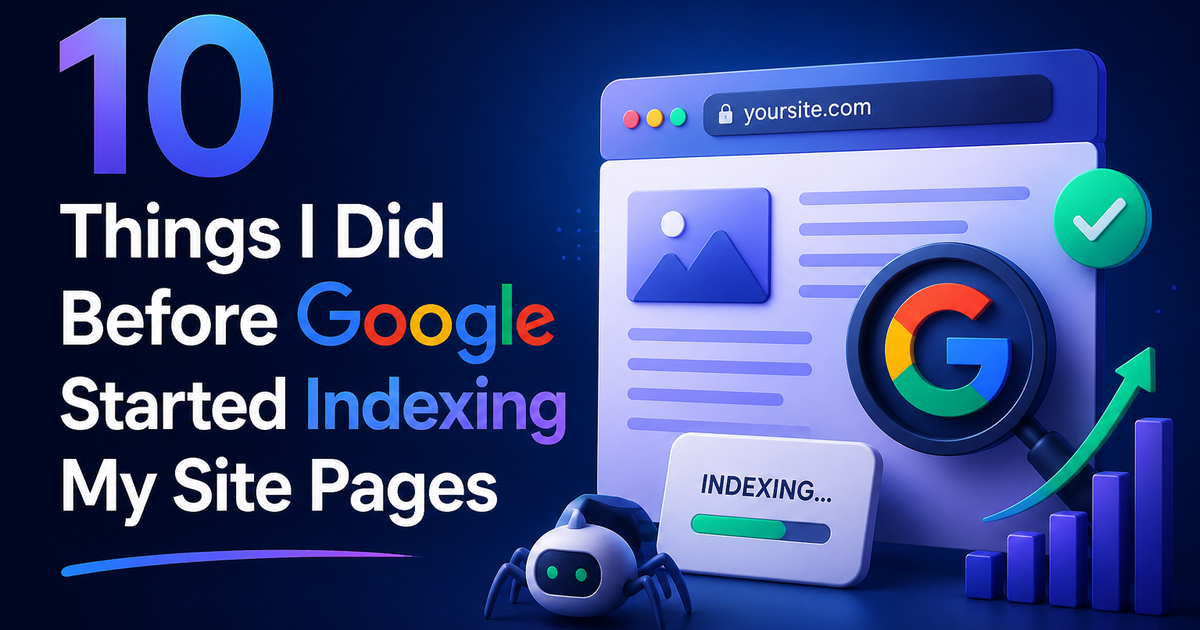
10 Things I Did Before Google Started Indexing My Site Pages
Google wasn't touching my site. Then I did these 10 things. Here's exactly what changed — and what you should check first
The frustration I couldn't shake
I published content. Good content. Useful content.
Days passed. Then weeks. Google indexed nothing.
I searched site:fredsazy.com and got back a handful of pages. Maybe 3 out of 20. The rest were invisible.
I knew the content was solid. I knew the technical setup was correct. So why wasn't Google showing up?
After digging through documentation, testing configurations, and waiting through multiple crawl cycles, I finally figured out what was blocking indexing — and what actually fixed it.
Here are the 10 things I did before Google started indexing my pages properly.
1. Submitted my sitemap to Google Search Console
This sounds obvious. I skipped it.
I assumed Google would find my sitemap through robots.txt automatically. Sometimes it does. Sometimes it doesn't. For me, it didn't.
What I did: Went to Google Search Console → Sitemaps → Entered sitemap.xml → Clicked Submit
What changed: Google crawled my site within 48 hours
Check yours: Type site:yoursite.com into Google. If only a few pages show up, start here.
2. Fixed my canonical URLs
My canonical tags were pointing to www.fredsazy.com. But my preferred domain was fredsazy.com (no www). That mismatch confused Google.
What I did: Changed every canonical tag in my code to point to fredsazy.com consistently
Why it matters: Google sees www and non-www as different sites. If your canonicals don't match your redirects, Google splits your authority and indexes the wrong version.
Check yours: View your page source. Search for rel="canonical". Does it match your preferred domain exactly?
3. Set up proper 301 redirects from www to non-www
Before fixing this, I had a 307 Temporary Redirect from www to non-www. That told Google "keep checking both versions."
What I did: Changed it to 301 Permanent Redirect in my hosting dashboard (Vercel)
What changed: Google stopped seeing two versions of every page
Check yours: Run curl -I https://www.yoursite.com — look for 301 not 307
4. Removed "noindex" tags I forgot about
This one hurt.
Months earlier, I had added <meta name="robots" content="noindex"> to a staging page during testing. I copied that page to production. The noindex tag came with it.
What I did: Scanned my entire site for noindex tags. Found one. Removed it.
Check yours: Search your codebase for noindex. Also check your CMS settings if you use one.
5. Made sure my pages weren't blocked by robots.txt
My robots.txt file was blocking Google from crawling my images folder. That wasn't the main problem. But it told me something important: I hadn't tested my robots.txt properly.
What I did: Used Google Search Console's "robots.txt Tester" to validate my file
What to check: Make sure Disallow: isn't accidentally blocking your important pages. A single typo can block everything.
6. Added internal links between my pages
Google finds new pages by following links from pages it already knows. If a page has zero internal links pointing to it, Google might never find it.
What I did: Went through every published post. Added 2-3 internal links from older posts to newer ones. Created a "related posts" section at the bottom of each article.
What changed: Within two weeks, Google had discovered every page
The rule: Every page should have at least one internal link from another page on your site. No orphan pages.
7. Requested indexing manually for important pages
After fixing the issues above, I didn't wait for Google to find everything naturally. I helped it along.
What I did: In Google Search Console → URL Inspection → Entered each important URL → Clicked "Request Indexing"
What happened: Google crawled those pages within hours
Note: This works for individual URLs. It doesn't scale to hundreds of pages. But for your 5-10 most important pages, do this.
8. Checked my site's mobile friendliness
Google uses mobile-first indexing. If your site isn't usable on mobile, Google still indexes it — but it ranks it lower.
What I did: Ran my site through Google's Mobile-Friendly Test
What I found: Nothing broken. But I confirmed it was working. Peace of mind matters.
Check yours: Search "Google mobile friendly test" — free tool. Takes 30 seconds.
9. Stopped changing URLs
I had been tweaking my URL structure. /blog/post-title → /posts/post-title → /post-title
Each change created a new URL and left the old one behind. Google had to rediscover everything every time.
What I did: Picked one URL structure. Committed to it. Never changed it again.
If you must change a URL: Always add a 301 redirect from the old URL to the new one. Always.
10. Waited patiently (this was the hardest part)
After doing all nine things above, I still saw zero indexing for about a week.
I checked Search Console daily. Nothing.
Then, on day 8, Google crawled 12 pages in one go.
On day 12, another 18 pages.
Within a month, everything was indexed.
The truth: Google is slow. Even when everything is perfect, it can take 1-4 weeks for indexing to happen. Fix what you can control. Then wait.
Summary: What Actually Worked
| Priority | Action |
|---|---|
| Highest | Submit sitemap to Search Console |
| Highest | Fix canonicals and redirects (301, not 307) |
| Highest | Remove any noindex tags |
| High | Add internal links to every page |
| Medium | Request indexing for important URLs |
| Medium | Check robots.txt and mobile friendliness |
| Low | Stop changing URLs |
| Required | Patience — 1-4 weeks after fixes |
The Bottom Line
Google isn't punishing you. It's just slow and picky.
Check these 10 things. Fix what's broken. Then wait.
If your content is good and your technical setup is correct, indexing will come.
Written by Fredsazy — because being invisible on Google is fixable.

Iria Fredrick Victor
Iria Fredrick Victor(aka Fredsazy) is a software developer, DevOps engineer, and entrepreneur. He writes about technology and business—drawing from his experience building systems, managing infrastructure, and shipping products. His work is guided by one question: "What actually works?" Instead of recycling news, Fredsazy tests tools, analyzes research, runs experiments, and shares the results—including the failures. His readers get actionable frameworks backed by real engineering experience, not theory.
Share this article:
Related posts
More from Software
May 27, 2026
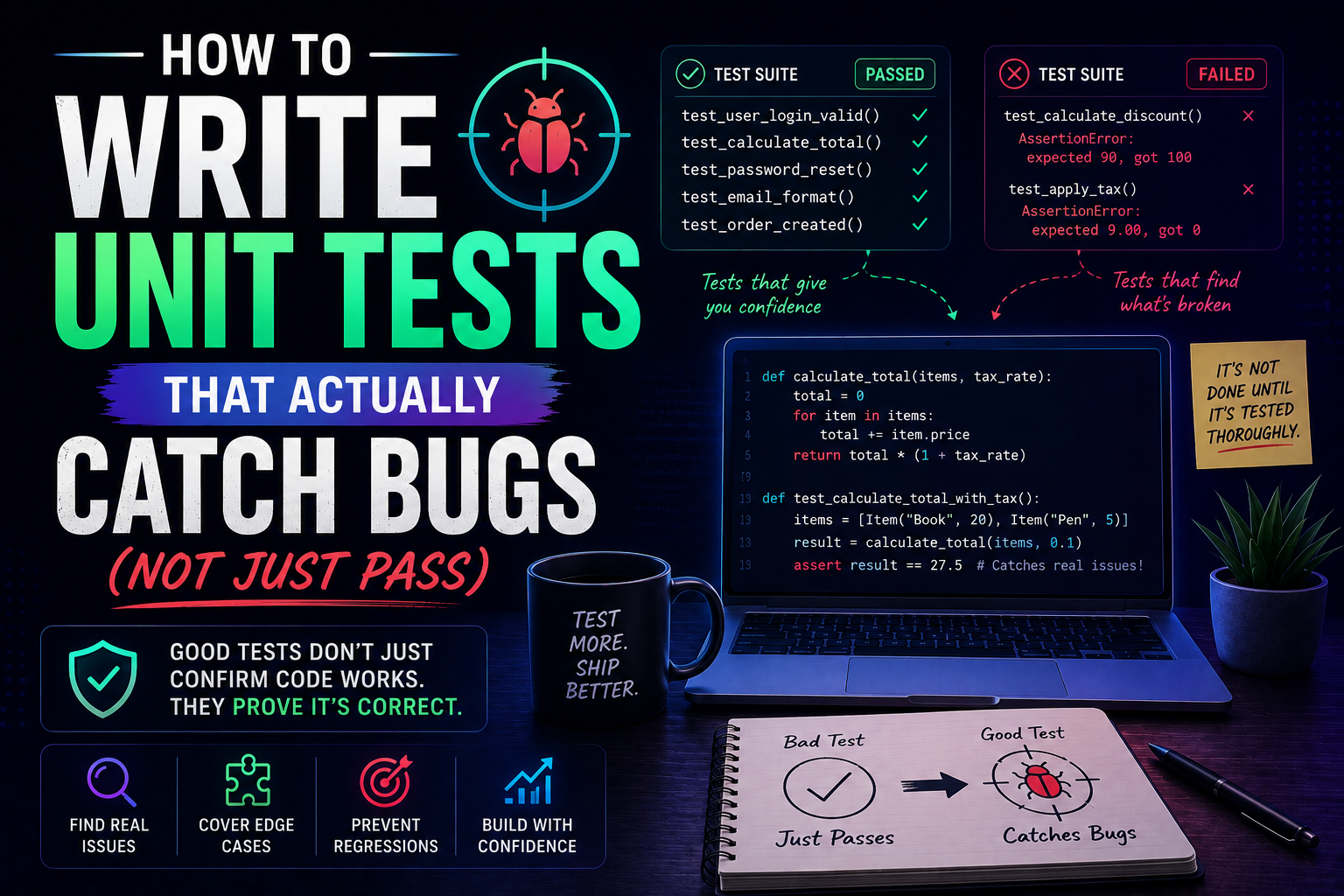
284Learn how to write unit tests that actually catch bugs — not just pass. Covers the AAA pattern, behaviour vs implementation testing, edge cases, test doubles, mutation testing, and a pre-commit checklist for writing tests that protect production.
May 22, 2026
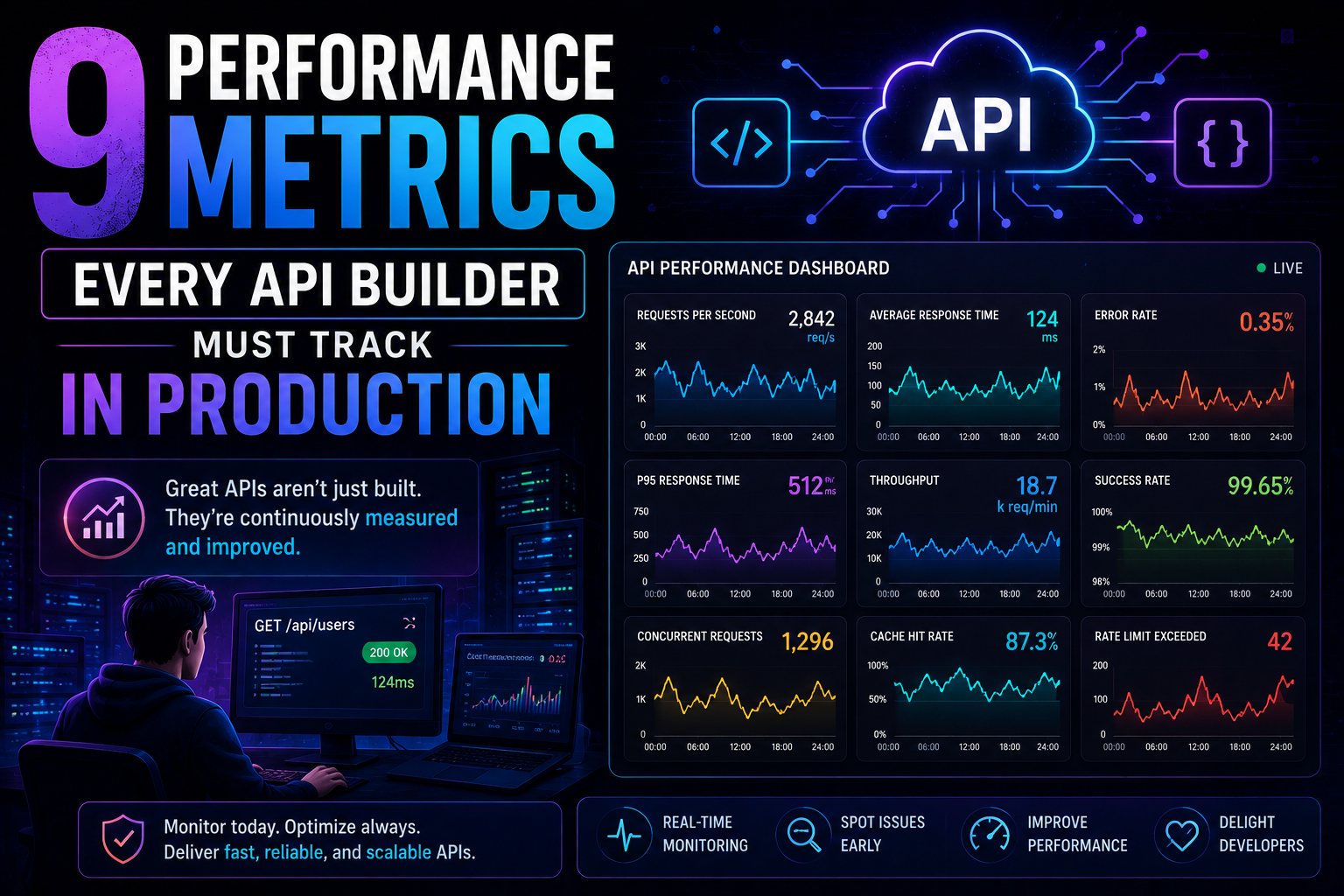
331Latency percentiles. Dependency health. Connection pool saturation. Idempotency success. 9 production metrics every API builder needs – with benchmarks, alert thresholds, and real-world failures prevented.
May 13, 2026
385PostgreSQL vs MongoDB in 2026 — an honest comparison covering benchmarks, data modelling, ACID transactions, scaling, pgvector vs Atlas Vector Search, pricing, and a decision framework for your project.