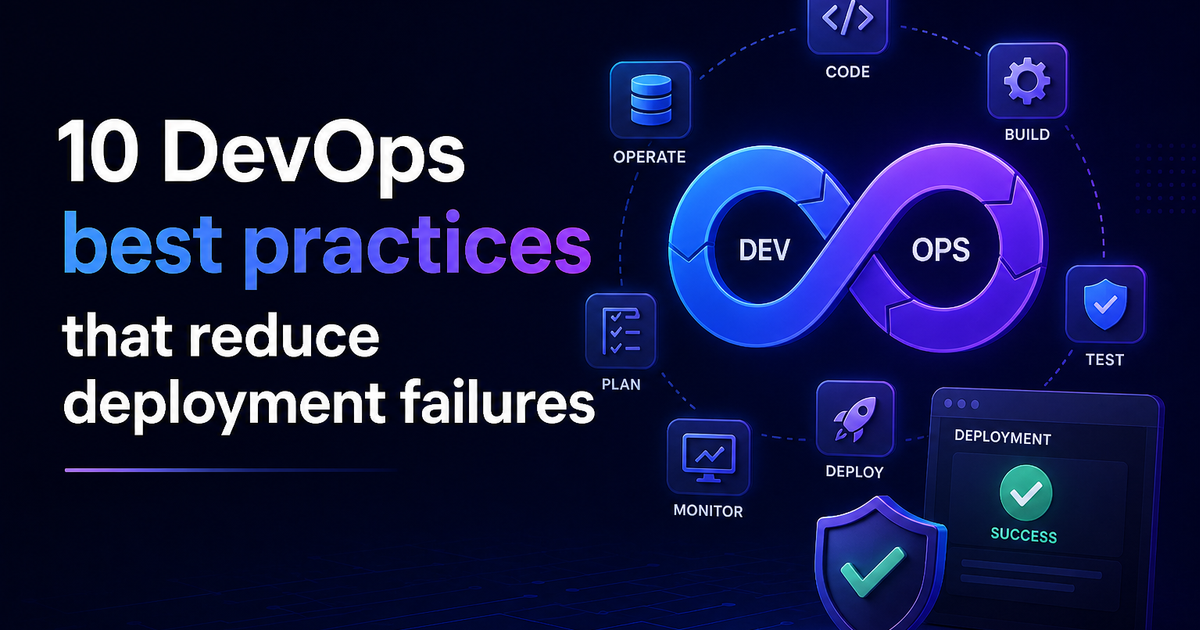
10 DevOps Best Practices That Reduce Deployment Failures
Learn the 10 DevOps best practices that reduce deployment failures — covering CI/CD, IaC, canary releases, observability, rollbacks, and DORA metrics with real tool recommendations.
Deployment failures are expensive. A single botched release can take down a production system, trigger a customer-facing outage, and cost your team hours of emergency recovery work — all from a change that looked fine in staging.
The good news? Most deployment failures are preventable. Research from the DORA (DevOps Research and Assessment) programme consistently shows that elite-performing engineering teams deploy far more frequently than low performers, yet maintain change failure rates below 5% and recover from incidents in under an hour. The gap between elite and low performers isn't talent — it's process.
In this article, you'll learn the 10 DevOps best practices that directly reduce deployment failures, what tools to use, and how to start implementing them whether your team is just getting started or looking to level up.
What causes most deployment failures?
Before jumping into solutions, it helps to understand what actually causes deployments to fail:
- Large, infrequent releases that bundle too many changes into one deploy
- Environment mismatch between staging and production
- Missing or insufficient automated tests
- No rollback plan when things go wrong
- Manual processes that introduce inconsistency and human error
- Poor observability — teams don't know something is broken until users report it
Every practice in this list addresses at least one of these root causes.
1. Build and maintain a CI/CD pipeline
Continuous Integration and Continuous Delivery (CI/CD) is the single most impactful practice you can adopt. A CI/CD pipeline automates the process of building, testing, and deploying your code — removing the manual steps where most errors are introduced.
How CI/CD reduces deployment failures:
- Every code commit is automatically built and tested before it reaches production
- Problems are caught in minutes, not hours or days
- Deployments become small, consistent, and repeatable
Pipeline stages to include:
- Build — compile or package the application
- Unit tests — validate individual components
- Integration tests — check how components interact
- Staging deploy — release to a production-like environment
- Smoke test — confirm the deployment is healthy
- Production deploy — release with confidence
Recommended tools: GitHub Actions, GitLab CI/CD, Jenkins, CircleCI, AWS CodePipeline
Pro tip: Track your pipeline metrics from day one. Deployment frequency, lead time, and change failure rate are your north star. Elite teams deploy multiple times per day with a change failure rate below 5%.
2. Ship smaller changes more often
One of the highest-leverage habits you can build as a team is reducing the size of your releases. Large deployments are risky because when something breaks, it's harder to isolate which change caused it.
Small, frequent releases:
- Reduce the blast radius of any single failure
- Make rollbacks faster and easier
- Speed up feedback loops so you learn what's working sooner
If your team currently releases once a week or once a month, the goal isn't to move to daily deployments overnight. Start by cutting your release size in half and shipping twice as often. Work your way from there.
Feature flags are a powerful enabler of this practice. They let you deploy code to production without activating it for users — so you can decouple deployment from release and turn features on or off independently.
3. Manage infrastructure as code (IaC)
One of the most common causes of deployment failures is environment drift — when your staging environment doesn't match production. A feature works perfectly in testing, then fails in production because of a configuration difference that nobody noticed.
Infrastructure as Code (IaC) solves this by defining your entire infrastructure — servers, networking, databases, load balancers — in version-controlled configuration files. Everyone works from the same source of truth.
Benefits of IaC:
- Environments are reproducible and consistent
- Infrastructure changes go through code review like any other change
- Rollbacks are as simple as reverting a file
Recommended tools: Terraform (multi-cloud), AWS CloudFormation, Pulumi, Ansible
4. Automate your testing at every stage
Manual testing cannot keep up with modern deployment velocity. Automated testing is the foundation of high-confidence deployments.
Layers of automated testing to implement:
| Test type | What it checks | When to run |
|---|---|---|
| Unit tests | Individual functions and components | On every commit |
| Integration tests | How components interact | Before staging deploy |
| Contract tests | API behaviour expectations | Before staging deploy |
| End-to-end tests | Full user journeys | On merge to main |
| Smoke tests | Basic health post-deploy | After every deployment |
A common mistake is only running end-to-end tests before a big release. This is slow and catches problems too late. Front-load your testing — run fast unit tests on every pull request and save heavier suites for merge to main.
Rule of thumb: If a test takes more than 10 minutes to run, most developers will stop waiting for it. Keep your PR-level test suite fast and reserve comprehensive suites for scheduled or post-merge runs.
5. Adopt GitOps for consistent deployments
GitOps is an operational model where your Git repository is the single source of truth for both application code and infrastructure state. Changes to production happen exclusively through pull requests — never through manual commands or direct server access.
Why GitOps reduces failures:
- Every production change has a code review, audit trail, and a clear owner
- Environment drift is automatically detected and corrected
- Rollbacks are as simple as reverting a pull request
- New team members can understand the entire system just by reading the repo
Recommended tools: ArgoCD, Flux, Weave GitOps
This practice is especially valuable for teams managing Kubernetes clusters, where manual kubectl commands are a common source of inconsistency and outages.
6. Use canary releases and blue-green deployments
Not all production deployments need to go to 100% of your users at once. Progressive delivery strategies let you roll out changes gradually and catch problems before they affect everyone.
Blue-green deployments maintain two identical production environments — one live (blue), one idle (green). You deploy to green, run health checks, then switch traffic over. If anything goes wrong, you flip back to blue in seconds.
Canary releases route a small percentage of traffic (say, 5–10%) to the new version first. You monitor error rates, latency, and business metrics. If everything looks healthy, you gradually increase traffic. If not, you roll back before most users are affected.
Both strategies dramatically reduce the impact of deployment failures because the blast radius is small and recovery is fast.
7. Build observability into your system, not as an afterthought
Observability is what allows you to understand why something failed — not just that it failed. It's built on three pillars:
- Logs — timestamped records of events your application generates
- Metrics — numerical measurements over time (response time, error rate, CPU usage)
- Traces — the path a request takes through your distributed system
Teams with strong observability detect and resolve incidents faster because they don't have to guess what went wrong. They can trace a failure directly to its root cause.
Common observability tools: Prometheus + Grafana (open source), Datadog, New Relic, AWS CloudWatch, OpenTelemetry (for instrumentation)
What to monitor during and after every deployment:
- Error rate (increase vs baseline)
- Latency (p50, p95, p99)
- CPU and memory usage
- Business metrics (orders, logins, conversions)
If any metric deviates meaningfully during a rollout, pause and investigate before continuing.
Important shift in 2026: Move away from alerting on raw system metrics like CPU spikes. Define Service Level Objectives (SLOs) for your user-facing reliability — then alert when you're approaching a breach. This reduces alert fatigue and keeps your team focused on what actually matters.
8. Automate rollbacks
A deployment failure is painful. A deployment failure with no rollback plan is a crisis.
Automated rollbacks are non-negotiable for production-grade systems. They allow your pipeline to detect a failing deployment and restore the previous version automatically — without someone having to wake up at 2 AM to run commands manually.
How to implement automated rollbacks:
- Define concrete health check thresholds — for example, error rate above 2% for 5 minutes triggers a rollback
- Produce immutable, versioned build artifacts so you always have a known-good version to revert to
- Never rebuild on rollback — always deploy from the previously validated artifact
- Test your rollback process regularly — not just in theory, but in practice
For Kubernetes teams, kubectl rollout undo is a starting point, but pairing it with pipeline-level automation and monitoring-triggered triggers is what makes it production-ready.
9. Shift security left with DevSecOps
Security vulnerabilities that reach production are a type of deployment failure — just one that often isn't discovered until much later. Shifting security checks earlier in your pipeline (a practice called DevSecOps) catches issues when they're cheapest and easiest to fix.
Security checks to automate in your pipeline:
- SAST (Static Application Security Testing) — scans source code for vulnerabilities
- Dependency scanning — flags known vulnerabilities in third-party libraries
- Container image scanning — checks Docker images before they're deployed
- Secrets detection — prevents API keys and passwords from being committed to Git
- IAM policy checks — validates cloud permissions follow least-privilege principles
Recommended tools: Snyk, Trivy, Checkov, GitGuardian, SonarQube
The goal isn't to slow teams down — it's to make security a fast, automated gate rather than a slow, manual review at the end of a release cycle.
10. Run blameless post-mortems after every incident
The final and perhaps most underrated practice is cultural: what you do after a deployment fails matters as much as what you do to prevent failures.
Blameless post-mortems treat incidents as system problems, not individual failures. The goal is to learn what went wrong and build systemic fixes — not to find someone to blame.
A simple post-mortem structure:
- Timeline — what happened and when, in chronological order
- Root cause — what technical or process factor led to the failure
- Impact — how many users were affected and for how long
- Contributing factors — what conditions allowed this to happen
- Action items — concrete changes to prevent recurrence
Teams that run structured post-mortems after failures consistently outperform those that don't — not because they have fewer incidents, but because each incident makes their systems more resilient. The learning compounds over time.
How to get started: a practical roadmap
If you're looking at this list and feeling overwhelmed, don't try to implement everything at once. Here's a prioritised starting point:
Week 1–2 (Foundation): Set up a basic CI/CD pipeline with automated tests. Even a simple build → test → deploy flow will immediately reduce failures.
Month 1 (Consistency): Introduce IaC for at least one environment. Start shipping smaller changes more frequently.
Month 2–3 (Resilience): Implement observability (logs, metrics). Set up automated rollbacks. Add security scanning to your pipeline.
Month 3+ (Optimisation): Move to canary or blue-green deployments. Formalise your post-mortem process. Track DORA metrics and set improvement targets.
Key metrics to track your progress
Use the four DORA metrics as your benchmark:
| Metric | Elite performer target |
|---|---|
| Deployment frequency | Multiple times per day |
| Lead time for changes | Under 1 hour |
| Change failure rate | Below 5% |
| Mean Time to Recovery (MTTR) | Under 1 hour |
If you're not tracking these today, start now. You can't improve what you don't measure.
Final thoughts
Deployment failures aren't inevitable — they're a signal that your delivery process has gaps. Each practice in this list addresses a specific gap: CI/CD removes manual errors, small releases reduce blast radius, IaC eliminates environment drift, observability speeds up recovery, and post-mortems turn failures into learning.
The best DevOps teams in 2026 aren't the ones with the most sophisticated stacks — they're the ones that have been consistently improving their delivery process for years. Pick one practice from this list, implement it, measure the result, and move to the next. That compound improvement is what separates elite performers from everyone else.
Frequently asked questions
What is the most common cause of deployment failures? Environment mismatch between staging and production, combined with large, infrequent releases and missing automated tests, accounts for the majority of deployment failures in modern software teams.
How do canary releases reduce deployment risk? Canary releases route only a small percentage of traffic to a new version first, so if the release has a bug, only a fraction of users are affected while the team detects and resolves the issue.
What are DORA metrics? DORA metrics are four key measurements used to assess DevOps performance: deployment frequency, lead time for changes, change failure rate, and mean time to recovery (MTTR). They are the industry standard for benchmarking engineering team effectiveness.
Is DevSecOps the same as DevOps? DevSecOps is an evolution of DevOps that integrates security practices directly into the development and deployment pipeline, rather than treating security as a separate phase at the end of the release cycle.
How often should teams run post-mortems? After every significant incident or deployment failure. Smaller issues can be captured in a brief written summary. More impactful incidents deserve a full structured review involving all teams involved.

Iria Fredrick Victor
Iria Fredrick Victor(aka Fredsazy) is a software developer, DevOps engineer, and entrepreneur. He writes about technology and business—drawing from his experience building systems, managing infrastructure, and shipping products. His work is guided by one question: "What actually works?" Instead of recycling news, Fredsazy tests tools, analyzes research, runs experiments, and shares the results—including the failures. His readers get actionable frameworks backed by real engineering experience, not theory.
Share this article:
Related posts
More from Devops
May 27, 2026
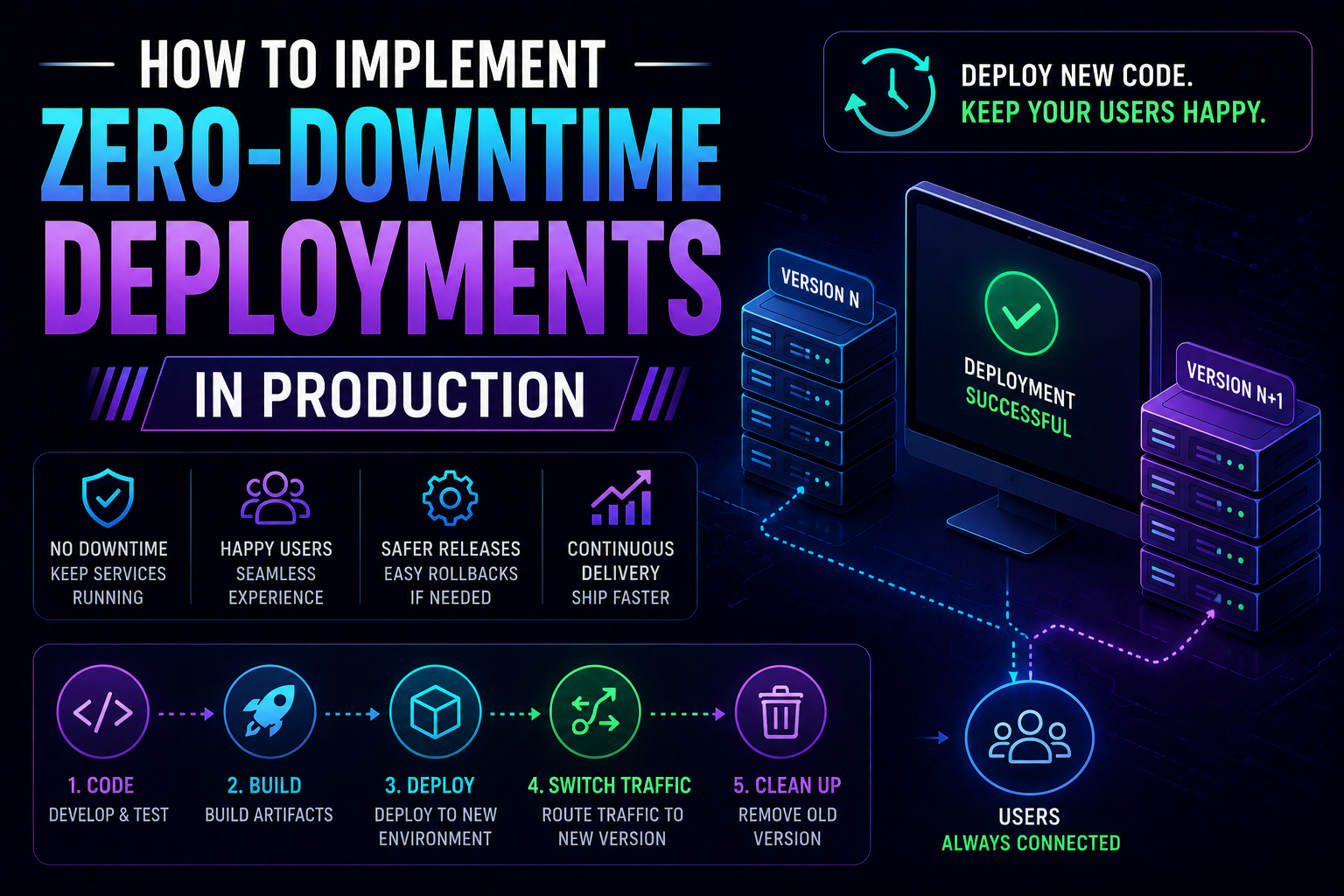
281Learn how to implement zero-downtime deployments in production — covering rolling updates, blue-green deployments, canary releases, feature flags, database migration patterns, graceful shutdown, and automated rollback with real Kubernetes YAML and code examples.
May 13, 2026
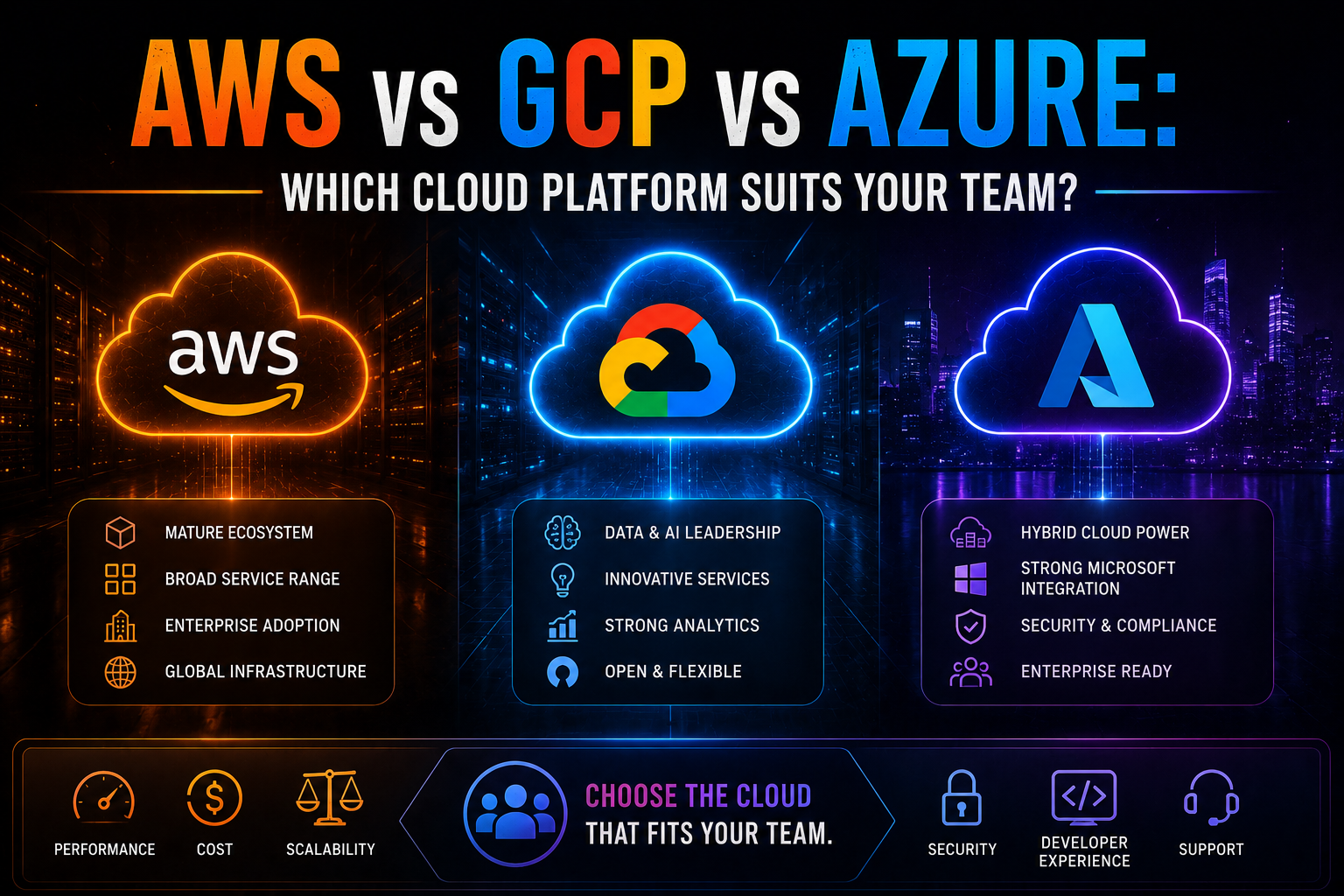
1063AWS vs Azure vs GCP in 2026 — an honest, vendor-neutral comparison covering market share, AI/ML tooling, pricing, Kubernetes, compliance, and which cloud platform suits your team's specific workload and ecosystem.
May 13, 2026
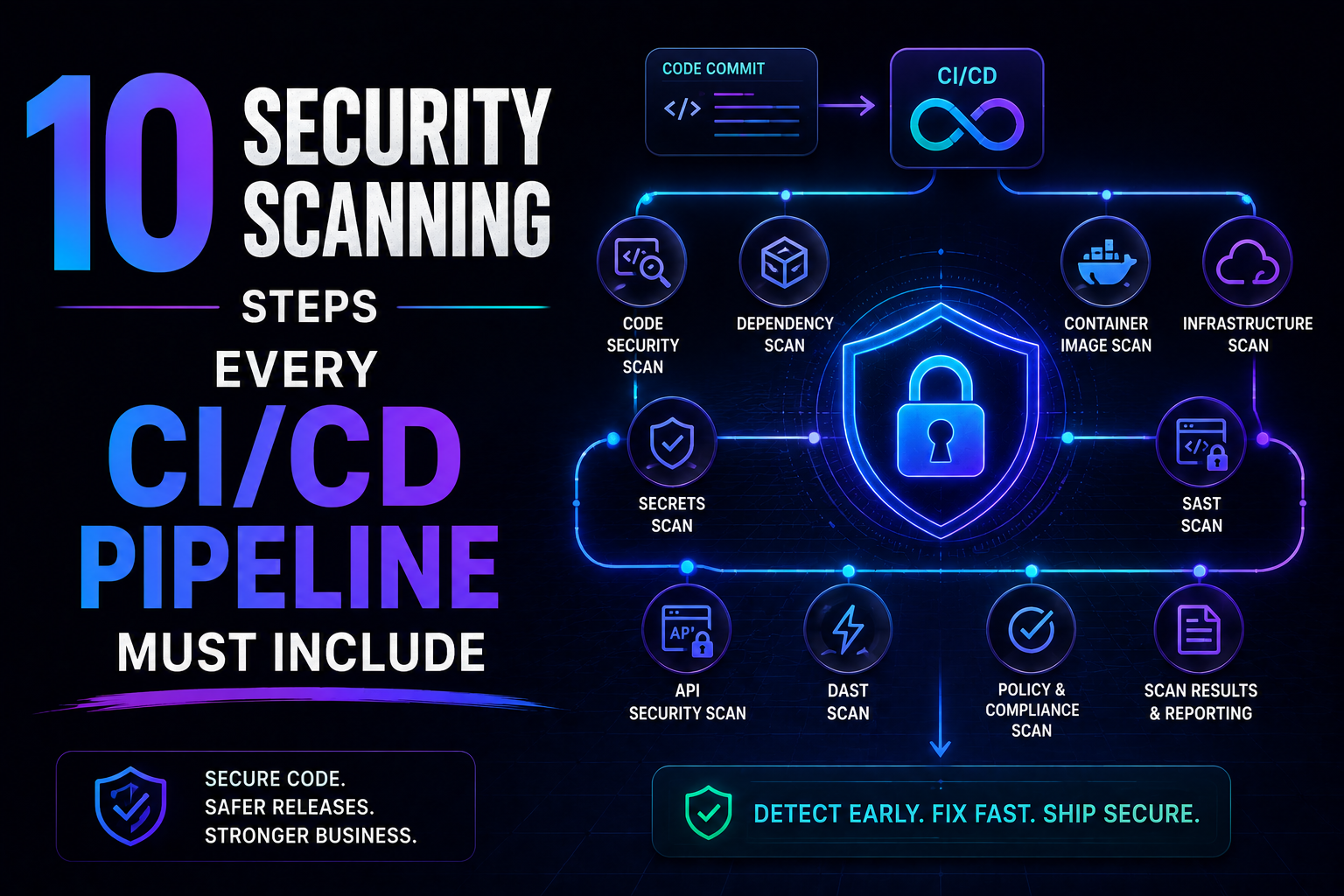
234SAST, SCA, container scanning, DAST, runtime verification – 10 security steps every CI/CD pipeline needs in 2026. Open source tools, real examples, and a rollout timeline. Stop shipping vulnerabilities.